•
Boostiko Team

Crypto Prop Firm Email Marketing: Build a Clear Market Access Update Flow
A market-access update is not a campaign. It is a customer communication task.
Crypto prop firms may need to tell customers when a market, symbol, product route, price feed, platform connection, or feature is becoming available, changing, temporarily unavailable, or restored. The email should make the actual change clear. It should not make the change sound like a trading opportunity.
That matters because virtual-currency markets can be volatile, cyber risks exist, and leverage can amplify losses. The CFTC warns customers that virtual-currency trading and derivatives carry material risks, including volatility, fraud, and cybersecurity concerns. 1 A product update email should not encourage a customer to trade, imply that a move in the market is likely, or promise an outcome.
This is general email marketing and operations guidance. It is not legal, financial, trading, cybersecurity, or compliance advice. Each firm should have its operations, product, risk, legal, compliance, and support owners review the actual policy, market access rules, and customer communication for its products and jurisdictions.
Start with a simple rule: explain the change, not the market
A useful market-access email answers four questions quickly:
What changed?
Who is affected?
When does it take effect?
Where can the customer find the current official details?
That is enough for the opening. The email does not need a price chart, commentary on volatility, a hot take, or a countdown clock. Those elements can make an operational update look like a promotion or a recommendation.
For example:
The BTC perpetual market will be temporarily unavailable in the account platform from 02:00 to 03:00 UTC on 14 November while a scheduled platform update is completed. Other listed markets are not expected to be affected. The official status page will show the latest information.
This wording is deliberately plain. It says what is known, identifies the affected access point, gives a time zone, and sends the customer to one approved source of truth.
The operations or product owner must supply the facts. Email should not decide whether orders, account rules, price data, position management, evaluations, or support queues are affected. If a detail is still being investigated, say that it is being investigated instead of filling the gap with an assumption.
Use a different route for each type of access change
Not every availability change deserves the same email. Treating all changes as an announcement is how operational notices become confusing or promotional.
1. A new market or feature becomes available
A new market or new route is often a product announcement. Send it to the appropriate consent-aware audience, not to everyone who has ever supplied an email address.
The message can state what is newly available, the effective date, eligibility or account requirements, a link to the official product details, and any relevant risk or rule disclosures that the firm has approved. It should not claim that the market is a better opportunity, that a customer should act quickly, or that access will improve trading results.
A subject line such as “New market access available in your account” is clear. “The next big move is here” is not.
If the message promotes access to a product or service, treat it as commercial content and apply the appropriate compliance, consent, and unsubscribe requirements. The FTC says that an email’s primary purpose determines whether it is commercial or transactional or relationship content. 2
2. A planned change to market access
A planned change might involve a scheduled platform release, a product-rule change, a data-provider transition, or an adjustment to availability for an eligible account group. This notice should be sent early enough for customers to understand the change, but not so early that unconfirmed technical details become a promise.
State the change date, time zone, affected market or feature, audience, and the official help or status resource. If a customer needs to take an action, tell them exactly what that action is. If no action is needed, say that plainly.
Do not use a vague phrase such as “important changes are coming.” A customer needs to know what will be different in their actual account experience.
3. A temporary market-access pause
A temporary pause is an operational notice. It should go only to customers who could reasonably be affected. It should be factual, calm, and short.
The message should state:
The market, route, or feature that is temporarily unavailable
The time the change began, with the time zone
What access is currently limited
Any verified customer action, if one exists
Where to check the current status
The approved support channel for a specific account question
Do not call a temporary pause “maintenance” if the cause is not confirmed. Do not call it a “security event” unless the responsible owner has authorised that wording. Do not say that no accounts are affected unless the firm has verified the precise scope.
If the available facts are limited, a better update is:
Access to the affected market is currently paused while our team reviews the platform connection. We will update the official status page by 15:00 UTC, or sooner if there is a confirmed change.
This gives customers a meaningful next update time without inventing a resolution estimate.
4. Restored access
A restoration notice should be sent only after the relevant owner has confirmed the service is available. It should name what was restored and explain the support path if the customer still sees a problem.
Avoid broad claims such as “everything is fixed” when the confirmation relates only to a specific feature or market. A more accurate close is:
Access to the affected market has been restored in the account platform. If you still experience an issue, use the official support route and include the time, account area, and page where it occurred.
Do not attach a promotion to a restoration message. The person reading it needs a clear answer about access, not a reason to buy an account or start a challenge.
Keep market access messages away from trading advice
Crypto prop firms can talk about product access without telling a customer what to trade.
The CFTC says virtual-currency values are driven by market supply and demand, can be more volatile than traditional fiat currencies, and can carry cyber and fraud risks. 1 The NFA also notes that virtual-currency futures trading involves a high level of risk and may not suit every investor. 3
That is why market-access messages should avoid phrases such as:
“Do not miss this move”
“The market is ready to run”
“Use this access before the next pump”
“Trade now to take advantage”
“A better way to make returns”
The message does not need those claims. Its job is to explain product availability.
NFA Compliance Rule 2-29 prohibits covered members and associates from communications that are fraudulent, deceptive, high-pressure, or misleading by material omission. 4 The rule’s application depends on the firm and facts, but it is still a useful conservative standard for any crypto-related customer communication. State what changed, identify a material limitation where relevant, and do not create pressure.
Separate operational messages from marketing messages
A market-access update may be operational, commercial, or a mix. The difference is the message’s primary purpose.
The FTC explains that a message about a change to an ongoing account relationship can be transactional or relationship content in defined circumstances. But once the message becomes predominantly promotional, it may be a commercial message instead. 2
Do not use a temporary access notice to promote an evaluation, a discount, a referral reward, or a new account package. Do not put a sales banner at the top of the message and hide the access change below it. If the firm wants to announce a product offer, send it separately to the right marketing audience.
This separation also builds trust. A customer should be able to recognise an account or access notice at a glance. They should not wonder whether it is a real platform update disguised as a sales campaign.
A straightforward sending structure can help:
Use one consistent sender identity for product and account notices.
Use a distinct marketing sender identity for opted-in promotional campaigns.
Give each category a recognisable display name.
Link operational emails to an official status page or help article.
Keep promotions out of account and service notices.
Google recommends separating account notifications and promotions by message category and sender identity. It also says clear sender information and understandable links help recipients recognise legitimate messages. 5
Build the data model before you build the flow
A dependable update flow is driven by structured information, not a last-minute copy request.
Before a market-access message can send, the responsible team should provide at least these approved fields:
Change type: new access, planned change, temporary pause, or restored access
Affected market, product route, or feature
Effective time and time zone
Expected end time, only if confirmed
Affected account or eligibility group
Customer impact summary
Official status, help, or product-details URL
Approved support route
Internal owner and review time
The email platform should receive only the approved customer-facing fields. The source system should stay authoritative for operational facts. This reduces the chance that a time, market name, or support route changes in one system but not another.
Create a simple versioning rule too. When the facts change, the owner updates the status source first. Then the email or in-product message is updated from the same approved summary. Support, community, and account teams should see the same version.
Segment by real impact
The right audience is rarely every contact in the database.
A user with access to the affected market may need a service update. A marketing lead who has never opened an account probably does not. A person who uses a different platform route may need different instructions. A customer with an active support case may need an extra message from support instead of a broad batch email.
Build segments based on verified product facts, for example:
Customers eligible for the affected market
Customers who use the affected account experience
Customers with an active, approved relationship to the affected product
People with an open support case linked to the affected workflow
Customers who should be excluded because their product is not affected
Do not infer access from an email open, a clicked campaign, or a guessed location. Keep the logic connected to the firm’s actual account and product data.
Test the segmentation with controlled internal records before a live send. Check that each test record receives the correct version and that no one receives contradictory access information.
Make the source of truth obvious
Every access email should point to one official location for updates. That can be a status page, an approved help-centre page, or a specific authenticated account page.
The link label should explain its destination. “View market access status” is better than “Click here.” The linked domain should be recognisable and owned by the firm. Do not add shortened URLs or unfamiliar third-party destinations to a sensitive operational message.
Google advises that links in a message should be visible and easy to understand, so recipients know what to expect when they click. 5 This is especially important when customers are alert to phishing risks in crypto-related communications.
The email should never request a password, recovery phrase, two-factor code, wallet credentials, or payment details. If a customer needs account-specific support, direct them to the approved support route or authenticated account area.
Design for a customer who is reading quickly
Market access updates are often read on a phone, and sometimes under stress. The design needs to be easy to scan.
Place the status at the top: “Market access available,” “Scheduled access change,” “Temporary pause,” or “Market access restored.” Then show the affected market or feature, the effective time, a short impact summary, and one primary action.
Use a short status block rather than a long first paragraph. Keep the time zone visible. Clearly separate confirmed facts from estimated timing. Include the support path in the footer or a dedicated help block.
Avoid visual choices that create false urgency. Skip countdowns, red market arrows, flashing badges, exaggerated candlestick charts, and language about a market move. An availability update is a customer-service message, not a trading signal.
Protect deliverability and brand recognition
A legitimate account message is not useful if it goes to spam or looks suspicious.
Google requires SPF or DKIM for all senders to personal Gmail accounts and SPF, DKIM, and DMARC for bulk senders. 5 These checks help recipients and mailbox providers identify messages sent by the real domain.
Before a firm activates a market-access flow, it should confirm:
The sending domain is authenticated.
The sender display name clearly identifies the firm.
The reply-to route is monitored if customers may reply.
The status and support links use recognisable official domains.
The message renders on a small screen.
The operational template does not share promotional modules by default.
Delivery failures, complaints, and unusual reply patterns are monitored.
Never send access notices to bought, scraped, or unrelated lists. Even a well-written operational message will hurt trust if it reaches someone who has no relationship to the affected product.
Give support the same facts before the message goes out
Support should not learn about an access change from customer replies.
Before the email sends, provide the support team with a concise internal brief: affected product, known scope, timing, official status page, approved language, any customer action, escalation owner, and the next review time. If the exact impact on orders, positions, account rules, or payments is still unknown, say that internally too.
Review early replies after the message sends. Repeated questions usually point to a missing detail in the email or status page. Fix the next update at the source instead of asking support to explain the same gap individually.
Measure clarity, not just opens
Open rates are not a dependable measure of operational success. Privacy features and image blocking can make them incomplete.
Better measures include delivery failures, visits to the official status page, support volume by issue type, repeat questions, time to publish the first approved update, and the number of customers who received an irrelevant notice.
After a meaningful access change, run a short review. Did the right audience get the right message? Did the time zone match the product plan? Was the status page updated before the send? Did customers receive a factual restoration notice only after confirmation? Were marketing and operational messages kept separate?
The answers will improve the template and the underlying product-data workflow for the next update.
A practical first build
Start with four reusable templates: new access, planned change, temporary pause, and restored access. Give every template an operational owner, required data fields, an approved status destination, and a clear support route.
Run one internal test for each route. Check that the message is accurate on desktop and mobile, that the audience logic is correct, and that the template contains no promotional module by default. Have support review the customer-facing wording before the system is used for a real change.
Where Boostiko fits
Crypto prop firm email marketing needs more than launch announcements. It needs lifecycle strategy, operational message design, product-data triggers, clear copy, responsive templates, audience logic, and deliverability controls that help customers recognise important account communication.
Boostiko helps teams audit their email program, map important customer journeys, write and design operational email systems, build lifecycle automation, and improve deliverability operations. You get strategy, copy, design, technical implementation, and deliverability expertise in one team instead of coordinating separate hires for each part.
If market-access updates are unclear, slow, or mixed with promotions, book a call with Boostiko. We can help you build an email system that keeps product communication clear and easy to act on.
References
Continue reading



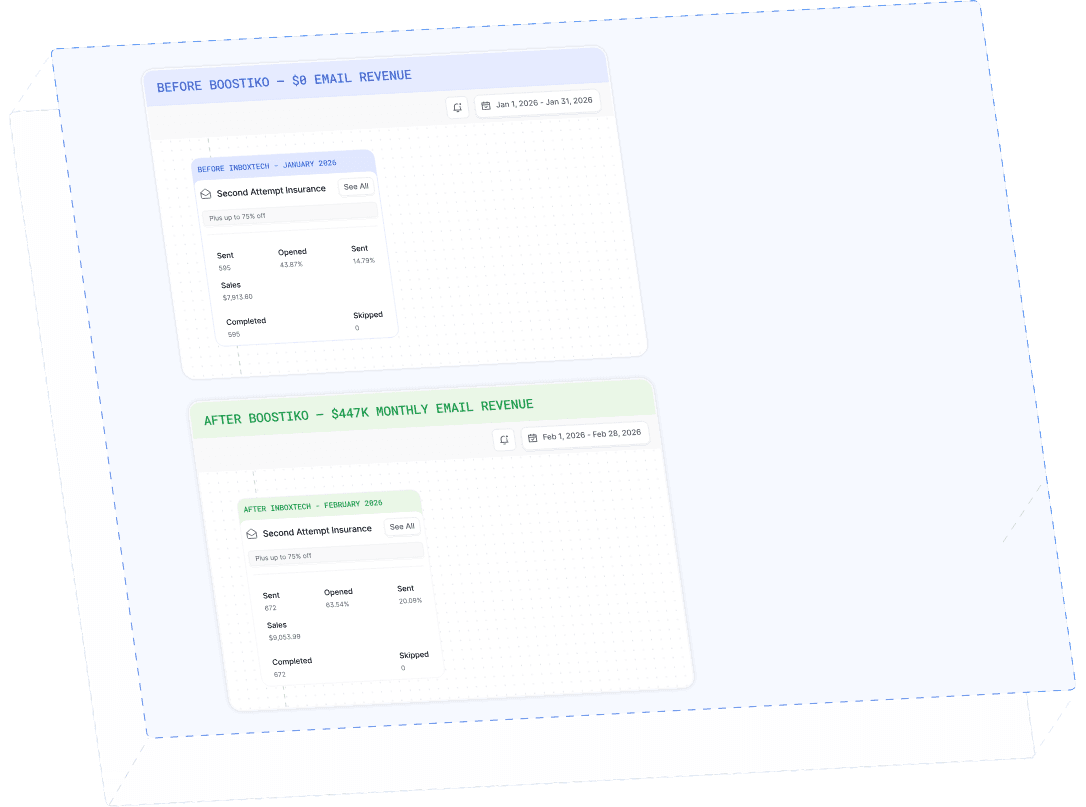
Case Study 01
Leading Prop Firm
$0 - $447K in 3 months
40.7% of total revenue
14 days time to first revenue
$0 to $447,115/month in Added Revenue in 90 Days