•
Boostiko Team

Perpetual Prop Firm Email Marketing: Build a Clear Platform Maintenance Update Flow
Platform maintenance is normal. Confusing maintenance communication is not.
For a perpetual prop firm, customers may need to know when a dashboard, account portal, order system, payment page, or support workflow will be unavailable or limited. The message does not need to sound dramatic. It does need to make the practical impact clear before a customer tries to use the product.
A good maintenance email flow gives customers the facts before the work begins, provides a simple status path while it is happening, and confirms completion when the service is back. It keeps marketing separate. It does not make promises that operations cannot support. It does not tell customers to share credentials or personal details by email.
This is general email marketing and operations guidance. It is not legal, financial, trading, cybersecurity, or compliance advice. Every firm should have its product, engineering, operations, security, legal, compliance, and support owners review the final customer communication process for its actual products and markets.
Make the maintenance notice useful
The first email should answer the questions a customer will ask before they open it:
What service is affected?
When will the maintenance happen?
What can and cannot be done during that period?
What should the customer do before the window starts?
Where can they see the latest status?
Do not hide the practical impact under generic language such as “we are improving your experience.” If account access, a payment function, a trading interface, or a support route may be unavailable, say so in plain language. If the service is expected to remain available, avoid creating concern by implying an outage.
A direct opening can look like this:
Planned maintenance is scheduled for the account portal from 02:00 to 03:00 UTC on 14 November. During this window, account settings and support tickets may be unavailable. The official status page will show the latest updates. No action is needed unless you have an open support request that needs attention before the window begins.
The details must come from the operational owner. The email team should not estimate a maintenance window, decide which features are affected, or claim a customer’s account is protected without confirmation from the responsible team.
Give the update one owner and one source of truth
A maintenance message often becomes inaccurate when several teams edit it at once.
Assign one operational owner for the incident or planned work. That person or team confirms the scope, timing, impact, and status. Give customers one public source of truth, such as a status page or approved help-centre article. The email, in-product notice, support macros, and community update should all point back to the same place.
CISA describes incident response as a coordinated process that includes preparation, response, recovery, and ongoing improvement. 1 The specific approach will vary by firm, but the customer communication lesson is simple: agree on the owner and update path before there is pressure to send a message.
A lightweight internal record should include:
The maintenance or incident identifier
The operational owner
The affected services and known exclusions
The start and expected end time, with the time zone
The approved customer-facing summary
The official status page or help article URL
The approved support route
The next scheduled review time
A record of what was sent and when
This record gives every customer-facing team the same facts. It also makes a later review easier if the timing, scope, or wording needs to be checked.
Use three messages, not one vague blast
A reliable maintenance flow usually has three stages. The exact number of emails should match the impact. A short, low-impact window may need only a notice and confirmation. A broader disruption may need a dedicated status page and carefully controlled updates.
1. Planned maintenance notice
Send this after the time and impact have been confirmed. Include the service, date, time zone, expected window, customer impact, and official status link.
Segment this message by impact. A user who only receives marketing emails should not receive an urgent-looking notice about an account feature they cannot use. Active customers, people with an open support case, and users who recently attempted the affected workflow may need different instructions.
The subject line should state the point of the email. Examples include:
“Planned account portal maintenance on 14 November”
“Scheduled platform update: what to expect”
“Account support workflow maintenance notice”
Avoid “Important update” by itself. It tells the customer nothing. Avoid “Act now” unless there is a real action and a real deadline.
2. Status update during the window
Not every maintenance event needs a broad email at the start. A public status page, in-product banner, or targeted update may be more useful. Decide this before the window opens.
If a customer email is needed, keep it short. Say that the work is in progress, restate the affected service, and direct the customer to the status page. Do not repeat the whole announcement. Do not add an offer to create an artificial reason to engage.
If the expected end time changes, update only when the operational owner confirms it. State what is known and what is still being reviewed. Customers usually prefer a factual update over an overly confident estimate that needs to be retracted.
3. Completion confirmation
Send a completion email when the service is available and the owner has confirmed the relevant checks. State what is restored, whether the customer needs to do anything, and where to get help if a specific issue remains.
Do not write “everything is fixed” if the scope is limited. A more accurate form is:
The planned maintenance is complete and the account portal is available. If you still see an issue with a specific account function, use the published support route and include the time and page where you saw the problem.
This gives the customer a route forward without making a broad claim beyond the completed work.
Keep operations and promotions separate
A maintenance email should not carry a sales message.
The FTC explains that an email’s primary purpose determines whether it is commercial or transactional or relationship content. An account or service update may be transactional or relationship content in defined circumstances. Adding prominent promotional content can make the message commercial. 2
For a perpetual prop firm, that means a maintenance notice should focus on the service update. Do not place a discounted evaluation, a referral prompt, a challenge offer, or a payout claim beside the status information. If the commercial message is important, send it separately to the appropriate consent-aware marketing audience.
The same separation helps customer trust. A person receiving a service notice should be able to recognise that it relates to their product access. They should not have to decide whether it is a real operational message disguised as an offer.
Google makes a similar practical recommendation for sender practices. It advises using separate message categories and From addresses for account notifications and promotions, and avoiding mixed content. 3
A simple structure can be:
status@orsupport@for operational updatesA clear marketing address for opted-in campaigns
A consistent display name that identifies the firm
A visible official-domain link for the status source
The exact mailbox names are less important than the consistency. Customers should learn what a legitimate service message looks like.
Design the email for quick reading on a phone
Maintenance communication is usually read in a hurry. Use a simple layout.
Start with a clear status label: “Scheduled maintenance,” “Maintenance in progress,” or “Maintenance complete.” Put the date and time near the top. State the affected service in one sentence. Add a concise impact card. Then show one main button to the official status page or account route.
The design should make it easy to scan:
Keep the service name and time window visible without scrolling.
Use the customer’s expected time zone where the product supports it, or label the time zone clearly.
Distinguish confirmed facts from estimates.
Make the primary action specific, such as “View service status.”
Keep the support route visible.
Make the layout readable on a small screen.
Avoid large images, countdown timers, fake urgency, animated sales banners, or unrelated market commentary. These elements may distract from a message that a customer needs for a practical reason.
Build the workflow around reliable data
The email platform should receive approved operational data. It should not be the place where the maintenance facts are invented.
Use structured fields for the maintenance title, affected service, start time, expected end time, time zone, impact summary, status URL, and support route. If one field changes, the owner should be able to update the source of truth before a new message is sent.
Decide audience logic in advance. The flow may separate:
Active account holders
Customers with a pending payment or support request
Users of a feature that is actually affected
People who use a different platform or product
Marketing-only leads who should not receive an operational notice
Test the logic with internal records. Confirm that a person in one group does not receive conflicting instructions from another. Confirm that the status link works on mobile. Confirm that the completion message cannot be sent before the operational owner has approved it.
A safe workflow also needs an exception path. If an affected customer has an urgent, account-specific issue, the email should direct them to the established support channel. It should not ask them to reply with a password, two-factor code, identity document, payment details, or other sensitive information.
Be accurate about product access and risk
Operational emails should be factual. They should not use the situation to push a customer toward a trading decision.
NFA Compliance Rule 2-29 prohibits covered members and associates from communications that are fraudulent, deceptive, high-pressure, or misleading by material omission. 4 Whether it applies to a particular firm or message depends on the facts. It still supports a useful standard for any customer update: say what is known, do not omit an important limitation, and avoid pressure.
For example, do not claim that an account, order, position, transaction, or trading result will be unaffected unless the responsible operations team has confirmed that precise statement. Do not tell a customer to take a market action because of maintenance. Do not turn a platform notice into a performance or profit statement.
If a service issue has security implications, use the firm’s approved incident and security process. Give customers only the actions they can safely take. Encourage them to use the recognised account area or official support channel rather than clicking unfamiliar links or sharing credentials by email.
Protect deliverability and sender recognition
An operational email that reaches spam is still an operational failure.
Google requires SPF or DKIM for all senders to personal Gmail accounts, and SPF, DKIM, and DMARC for bulk senders. It also says clear sender information and accurate links help recipients understand who sent the message and what a link will do. 3
Before building a maintenance flow, check the basics:
The sending domain is authenticated.
Operational and promotional sends use their intended categories.
The display name identifies the firm clearly.
Links use official, recognisable domains.
The template has been tested across major inboxes and on mobile.
Bounce, complaint, and delivery data are monitored after sends.
Do not send a maintenance message to a bought, scraped, or unrelated list. Operational relevance is part of deliverability. A person who did not expect the message is more likely to ignore it or mark it as spam.
Prepare support before the send
A maintenance message will create questions. Support should have the answer before the email arrives.
Give the support and community teams a short internal brief: what is affected, when it starts, who is affected, what workarounds are approved, where to find the latest status, and who owns escalations. Include the exact wording for uncertain questions so teams do not guess.
Then review the first wave of replies. If customers are asking the same question, the email or status page may be unclear. Improve the next update rather than asking support to explain the same missing detail repeatedly.
Measure whether the system reduced uncertainty
Do not judge a maintenance email by open rate alone. Privacy tools and image blocking make open data incomplete. The better operational signals are delivery failures, status-page visits, customer support contacts, duplicate questions, failed account actions, and the time it took to give affected customers a clear answer.
After a meaningful maintenance event, run a short review. Did the right audience receive the notice? Did the timing match the actual window? Were all customer-facing channels consistent? Did the completion message go out only after confirmation? What questions came back most often?
That review creates a better template for the next event. It also turns maintenance communication from an improvised email into a reliable part of customer operations.
A practical first build
Start with a single reusable template set: planned maintenance, status update, and completion confirmation. Give every template a clear owner, a source of truth, an approved support path, and a small set of structured data fields.
Test it with an internal maintenance window before you need it for a real disruption. Make sure the messages render well on a phone, the status link is current, the audience logic is accurate, and support has the same information. Keep promotions out of the flow.
Where Boostiko fits
Perpetual prop firm email marketing needs more than campaign design. It needs clear lifecycle planning, operational copy, responsive templates, audience logic, deliverability controls, and a process that keeps product, support, and marketing aligned.
Boostiko helps teams audit their email program, map critical customer journeys, write and design operational message systems, build lifecycle automation, and improve deliverability operations. You get strategy, copy, design, technical implementation, and deliverability expertise in one team instead of coordinating separate hires for each part.
If your account and service updates are unclear, inconsistent, or creating support friction, book a call with Boostiko. We can help you build an email system that keeps important customer communication clear and easy to act on.
References
Continue reading



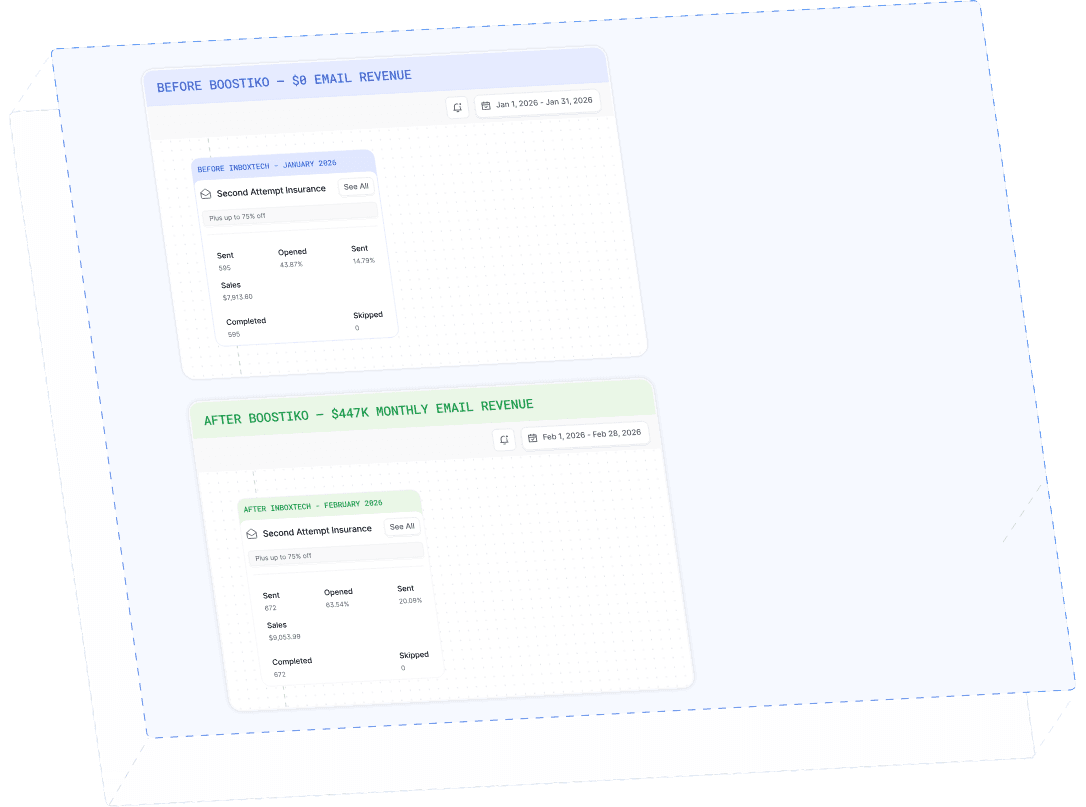
Case Study 01
Leading Prop Firm
$0 - $447K in 3 months
40.7% of total revenue
14 days time to first revenue
$0 to $447,115/month in Added Revenue in 90 Days