•
Boostiko Team

Futures Prop Firm Email Marketing: Build a Clear Rule Change Update Flow
A rule change can be a normal product update. It can still create confusion if customers hear about it late, cannot tell whether it applies to them, or have to search through several pages to work out what to do.
For a futures prop firm, the email is often the first place a customer sees a change to account rules, evaluation conditions, pricing, platform access, or an operational process. The message needs to be clear enough that a customer can understand the change without guessing. It also needs to point to the approved source of truth.
A useful rule change email flow does not try to make an update sound exciting. It gives the right customer the right facts at the right time. It explains the effective date, the affected account or program, the practical impact, and the next step.
This is general email marketing and operations guidance. It is not legal, financial, trading, or compliance advice. Each firm should have product, operations, legal, compliance, and support reviewers approve the final rules, disclosures, and customer communications that apply to its specific business.
Start with one approved source of truth
The email should not be the only place where a rule exists.
Before writing a message, make sure the product and operations teams have approved one source of truth. That might be a rulebook page, account dashboard notice, help-centre article, or customer portal. The customer should be able to open that destination and find the same terms described in the email.
This prevents a common problem. A marketing team writes a short summary. Support uses a different explanation. The account dashboard shows an older label. Each version may sound reasonable by itself, but the customer now has three competing answers.
A simple internal record for every change should include:
The exact rule or policy name
The account, product, or program it applies to
The effective date and time, including time zone where needed
Whether the change applies to current accounts, new accounts, or both
The approved customer-facing explanation
A link to the official detailed terms
The owner who can confirm the final wording
The support path for exceptions or questions
Once this record exists, the email team can turn it into a clear customer update instead of interpreting the rule from a chat thread or a spreadsheet.
Tell customers exactly what changed
A good rule change email answers four questions near the top:
What changed?
When does it take effect?
Who is affected?
What should I do next?
Do not make customers read five paragraphs before they learn whether the update affects their account. Put the direct answer first.
For example:
Starting 15 November at 00:00 ET, the updated rule applies to new evaluation accounts purchased on or after that time. Existing active accounts keep the rule set shown in their account dashboard. No action is needed unless you plan to open a new evaluation after the effective time.
That example is not a template for every product. The exact terms need to come from the approved rule owner. The structure is useful because it separates the change, date, audience, and action.
Avoid vague phrases such as “we are improving the experience” when the message is really a rules update. Avoid calling a change “better” unless the firm can support that statement for the audience receiving it. A calm, factual explanation creates less friction than promotional language around a customer obligation.
Segment by impact, not just by marketing status
The safest rule change email is rarely a single blast to every address in the database.
Start with the people who are directly affected. That can include active evaluators, customers on a particular account type, people who purchased during a defined period, or users who have a specific platform setup. Then decide whether a separate educational notice is useful for leads or inactive contacts.
Each group may need a different message:
An active account holder needs to know the exact practical impact.
A new buyer needs current terms before completing a purchase.
A prospect may need an educational page, but not an account-change alert designed to look like it applies to them.
A customer with a support case may need a manual message rather than an automated notice.
This is one reason account update emails should remain separate from promotional campaigns. A customer who is not affected should not receive an alarm-like subject line. A customer who is affected should not have to filter past an offer to find the actual terms.
The FTC says an email’s primary purpose matters. A message about an ongoing account relationship can be transactional or relationship content in defined circumstances. However, a message that places promotional content prominently can be treated as commercial. 1
In practice, keep operational terms at the top of the message. If the team wants to announce a separate offer, send it as a separate, consent-aware marketing campaign with the appropriate review and unsubscribe handling.
Build a simple timing sequence
Not every change needs several emails. The timing should reflect how material the change is and how much action a customer needs to take.
A straightforward sequence can include three moments.
1. The advance notice
Send this when the change is approved and the effective date is known. State what is changing, when it begins, who it affects, and where customers can review the full terms.
If an action is required, name it precisely. “Review your dashboard” is less useful than “Open the account dashboard and confirm whether your current account type is listed.” Do not use a broad deadline if there is no actual deadline.
2. The effective-date reminder
Use a short message on the day the change takes effect, but only when customers need a reminder or will see a different setting that day. Repeat the key facts. Link to the same official source. Do not introduce a new explanation that contradicts the original notice.
3. The support follow-up
This is not always an automated email. It can be a prepared support response, an in-product notice, or a targeted note to people who were unable to complete a required step. The aim is to resolve genuine friction without sending unnecessary messages to everyone.
A firm may need a different timing plan in certain markets or for certain products. The important thing is to agree on the sequence before the first message leaves the platform.
Keep the copy factual and pressure-free
Rule changes are not the place for urgency tactics.
NFA Compliance Rule 2-29 prohibits covered members and associates from using communications that are fraudulent, deceptive, high-pressure, or misleading by material omission. It also sets conditions for promotional material that mentions the possibility of profit or performance. 2 Whether the rule applies to a particular firm or message depends on the facts. The writing principle still travels well: do not let a rule update become a sales pitch.
That means avoiding statements such as:
“Act now before you lose access” when there is no immediate action required
“This update will help you trade better” when the message does not establish that claim
“Lock in your advantage” beside a material account rule update
Profit, payout, or performance language that has nothing to do with the customer notice
Use simple subject lines instead:
“Important update to your account rules effective 15 November”
“Your futures evaluation rule update”
“Action required: review the new platform access step”
The subject line should accurately describe the email. The opening paragraph should deliver the same message. A customer should not open an account update and find a promotion at the top.
Design for quick scanning
A rules email does not need a dense layout. It needs clear hierarchy.
Start with a visible status label such as “Account rule update.” Add the effective date. Then use a short summary card with three fields: what changed, who is affected, and what to do next. Follow it with a button to the approved source of truth and a clear support route.
Use tables or comparison blocks only when the terms truly need side-by-side treatment. If a before-and-after format is used, make sure the comparison is complete and reviewed. Do not omit an exception or condition simply because it makes the card look cleaner.
On mobile, keep the key information near the top. A customer may read the email in a few seconds between other tasks. They should not need to zoom, search for a footnote, or scroll past a large banner to learn the effective date.
A good design review asks:
Can a customer identify the rule change in the first screen?
Is the affected audience stated in plain language?
Is the effective date clear?
Does the button lead to the official current terms?
Is the support route visible without reading the whole page?
Is any optional marketing content kept out of the notice?
Connect the email to controlled data
The email platform should not invent the rule details.
Create a controlled event or content record for the update. The minimum fields might include the rule name, account type, effective timestamp, audience logic, approved summary, official URL, support route, and a version identifier. The version identifier is useful when a customer asks which terms applied to their account at a particular time.
Before sending, test the audience logic with safe internal records. Confirm that an existing account holder is not accidentally placed in a new-account segment. Confirm that a person who receives the email can open the link. Confirm that a late change to the effective date updates every customer-facing surface.
For covered futures intermediaries, CFTC materials describe written risk disclosures, customer statements, transaction confirmations, and recordkeeping as part of the customer-protection framework. 3 A prop firm’s particular structure and obligations may be different. The operational lesson is still useful: material customer communication should be traceable, consistent, and owned by the right team.
Protect delivery and sender trust
An accurate message does not help if it is filtered into spam or appears suspicious.
Google requires SPF or DKIM for all senders to personal Gmail accounts. Bulk senders need SPF, DKIM, and DMARC. Google also recommends using different sending addresses for account notifications and promotions, keeping those message categories separate, and making links and sender identity easy to understand. 4
For a futures prop firm, that points to a few practical controls:
Use an authenticated domain customers already recognise.
Send operational notices from a consistent account-update address.
Keep promotions on a separate marketing stream.
Use clear display names that identify the firm.
Link to visible, recognisable official domains.
Monitor bounces, complaints, replies, and failed clicks after a change notice.
Avoid sudden volume spikes caused by sending the same message to unfiltered audiences.
Marketing unsubscribe preferences should work reliably for marketing sends. Do not assume that a customer relationship makes every email operational. Review the primary purpose of the message and the applicable rules before sending.
Give support one answer to use
The email is only part of the customer experience. Support, community teams, and account managers will receive the follow-up questions.
Give those teams a single internal brief before the send. It should include the approved explanation, effective date, affected audience, official link, known exceptions, and escalation owner. If the customer has an account-specific question that the standard email cannot answer, the team should have a clear route to the product or operations owner.
This prevents support from improvising a different version of the terms. It also gives the marketing team useful feedback. If the same question appears repeatedly, the issue may be the copy, timing, audience logic, or the source-of-truth page itself.
Measure clarity, not just clicks
A rule update email is successful when affected customers understand what changed and know what to do.
Track delivery rate and failures. Track visits to the rule page, but do not treat click rate as the only sign of success. Review support contacts tagged to the change, repeated questions, failed dashboard paths, incorrect-segment sends, and cases where the effective date was misunderstood.
After a material update, hold a short review. Ask whether the message matched the approved terms, reached the correct audience, arrived at the right time, and gave support enough context. That process makes the next update easier and lowers the chance of an avoidable communication gap.
A practical first build
Start with one rule change template and one internal update record. Build the layout around four facts: the change, effective date, affected audience, and next action. Connect the template to an approved source of truth. Give support a matching brief.
Once that is reliable, add audience-specific versions and effective-date reminders only where they improve clarity. Simple, accurate communication is better than a complicated sequence that creates more uncertainty.
Where Boostiko fits
Futures prop firm email marketing needs more than polished campaign design. It needs reliable lifecycle mapping, clear operational copy, responsive email design, delivery controls, and a process that keeps product, support, and marketing aligned.
Boostiko helps teams audit their email program, map key customer journeys, define triggered messages, write the copy, create the design, build the automation, and improve deliverability operations. You get strategy, copy, design, technical implementation, and deliverability expertise in one team instead of coordinating separate hires for each piece.
If your account updates are unclear, inconsistent, or creating support friction, book a call with Boostiko. We can help you build a customer email system that keeps important changes clear and easy to act on.
References
Continue reading



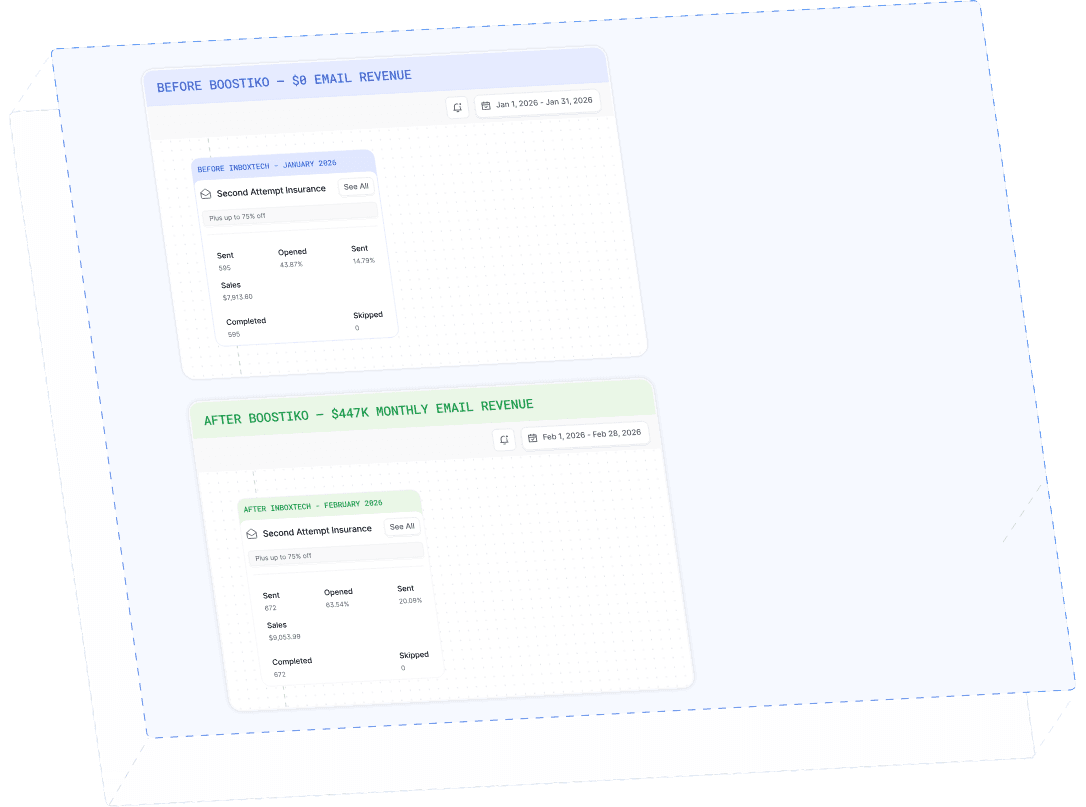
Case Study 01
Leading Prop Firm
$0 - $447K in 3 months
40.7% of total revenue
14 days time to first revenue
$0 to $447,115/month in Added Revenue in 90 Days