•
Boostiko Team

Forex Broker Email Marketing: Build a Clear Account Security Alert Flow
A security email should help a customer answer one question fast: is this real, and what should I do next?
That matters for any online account. It matters even more for a forex broker, where a customer may receive login notices, password-reset messages, verification updates, or funding-related alerts. If the message looks vague, pushy, or unlike the rest of the product, it can create support tickets and make phishing attempts harder to spot.
The fix is not more emails. It is a small, dependable security-alert system with clear event triggers, plain language, stable design, and a safe route back to the official account area.
This is general email marketing and operations guidance. It is not legal, financial, trading, or compliance advice. A broker should have the right internal, legal, compliance, security, and local-market review before using a live template.
Separate security alerts from marketing
A customer should never have to wonder whether a login alert is really a campaign.
Keep account-security messages in their own operational stream. Keep offers, market content, product education, newsletters, and promotional email in separate campaigns with their own audience rules. The two streams can use the same visual system, but they should not share a trigger or try to do the same job.
The FTC explains that an email's primary purpose determines whether it is commercial or transactional or relationship content. A message about an existing account or a security matter can be transactional in defined circumstances. However, a message that mixes in prominent promotional material may be treated as commercial instead. 1
That gives a practical rule for broker teams: put the account fact first, keep the subject line true to that fact, and leave offers out of the template. If the team wants to promote a product or feature, send a separate, consent-aware marketing message.
Google also advises senders not to mix message categories, using promotions inside sales receipts as an example. It recommends different From addresses for account notifications and promotional messages. 2
For a broker, the structure can be simple:
security@oralerts@for account-security noticesa clearly named marketing address for opted-in campaigns
a consistent display name that identifies the broker
one recognised official domain in the sender address and links
The specific addresses will vary. The consistency is what helps customers recognise a legitimate message.
Decide which account events really need an email
Security email works best when every message has a clear reason to exist. Do not create an alert simply because a product database changed. Start with events that either confirm a customer-requested action or give the customer a chance to react to unusual account activity.
A useful first set is:
Password-reset request received
Password successfully changed
New sign-in from an unrecognised device or location, when the product can detect it reliably
Email address, phone number, or multi-factor authentication setting changed
Account access temporarily restricted for a defined security reason
Identity-verification action required, only when the request comes from the approved workflow
The event owner should be the product or security system, not the email platform. A marketing tool can render and send the template, but it should not decide that an account has become secure, verified, or at risk.
For every trigger, document the internal event name, customer-facing subject line, required data, fallback route, and person responsible for the template. That makes it easier to find gaps before a customer finds them first.
Make every alert say what happened
A security alert does not need a dramatic subject line. It needs an accurate one.
Use language such as “A new sign-in was detected on your account” or “Your password was changed.” Avoid titles like “Urgent action required” unless the customer truly must act immediately. False urgency is a common fraud tactic, and the CFTC specifically warns customers about high-pressure language and pressure to act quickly. 3
The email body should answer five things in order:
What happened. Name the account event in direct terms.
When it happened. Use a timestamp and time zone where available.
What the customer should do. State whether action is required.
Where to act safely. Link to a recognised account area or tell the customer how to reach official support.
What the broker will never ask for. Make clear that the customer should not reply with a password, one-time code, recovery code, or private key.
If the event uses device, browser, IP, or approximate location information, show only information that is reliable and appropriate for the product. Do not display sensitive data simply because it is available internally. Do not imply that a location is exact if it is only an estimate.
A short login alert might say:
We noticed a sign-in to your account from a new device on 26 October at 10:15 EEST. If this was you, no action is needed. If it was not you, sign in through your usual account page and secure your account. We will never ask you to send a password or verification code by email.
The message is factual. It tells the customer what to do without asking them to trust a random reply link.
Use a safe route back to the account
A security email should not create a new phishing risk.
Keep the sender domain familiar. Use a clear display name. Make the destination easy to recognise. If a button takes the user to a sign-in page, it should use the broker's normal official domain and should not pass sensitive credentials in the URL.
For higher-risk actions, the safest message may be a notification with an instruction to open the existing app or type the known account address into the browser. The right choice depends on the product, the customer journey, and the firm's security controls.
Avoid asking a customer to send personal documents, passwords, payment details, or authentication codes as an email reply. If more information is required, route the customer to the approved secure workflow. Give support the same instruction so email, live chat, and the account area do not tell the customer different things.
A clean footer can reinforce the process:
This message relates to your account activity.
We will not ask for your password or one-time code by email.
Use the official account portal or contact support through the published website.
If you did not request this action, use the official security route promptly.
That copy does not replace real security controls. It does help customers recognise the limits of a legitimate email.
Build templates around one action at a time
Do not make a security email carry too many decisions.
A password-reset request needs one role: confirm that a reset was requested and explain what to do if it was not. A password-changed notice needs another role: confirm the completed change and provide an account-recovery route for an unrecognised action. A new-device sign-in notice needs to tell the customer whether the event was expected.
The design should reflect that single purpose. Use a visible status heading, a short explanation, one main action, and a secondary support path. Keep the layout responsive and easy to scan on a phone. Avoid countdown timers, oversized promotional blocks, profit claims, or unrelated market commentary.
If a message includes any information connected to trading, risk, a product, or a promotional statement, give it the review it requires. NFA Compliance Rule 2-29 prohibits deceptive or high-pressure communications by covered members and associates. It also restricts promotional material that is likely to deceive or contains material misstatements or misleading omissions. 4 Applicability depends on the firm, product, audience, and communication. The simple operating principle is still useful: an account-security alert is not a place for pressure or sales language.
Treat deliverability as part of account security
An authentic email that does not reach the inbox cannot help the customer.
Google's sender guidelines require SPF or DKIM for all senders to personal Gmail accounts. Bulk senders must use SPF, DKIM, and DMARC. Google says these controls help protect recipients from spoofing and phishing and recommends that domains use all three. 2
For a broker's account-security stream, that means:
Authenticate the sending domain and monitor alignment.
Keep the From address stable for the message category.
Use the same category of sender for the same category of message.
Make display names accurate and clear.
Send from a domain customers already expect to see.
Avoid large, sudden bursts caused by poor trigger logic.
Monitor bounces, complaints, delivery failures, and support replies.
Google also recommends avoiding promotions in account-notification messages and keeping message content, subject lines, headers, display names, and links accurate and understandable. 2 That is good security design as well as good sender practice.
Marketing opt-outs should still work reliably for marketing mail. Do not assume an ongoing customer relationship makes every message operational. If a message includes substantial promotional content, send it through the appropriate commercial-email and consent review process.
Add controls before automating the flow
A trigger can be accurate in a test environment and still fail in production. Before automating a security series, agree on the controls around it.
Start with a source-of-truth event map. Define which systems can initiate each email. Set a minimum data set. Decide what should stop or delay a message. For example, a manual account investigation, duplicate event, security hold, known support case, or unresolved identity issue may need a different route.
Then test the full journey with safe internal records:
Confirm that the intended event produces the intended template.
Confirm that an event is not sent twice after a retry.
Check the time shown in the message.
Check links, fallback paths, and sender details.
Review the mobile version and dark-mode rendering.
Confirm that no promotional content appears in the alert.
Check the support handoff when a customer says the activity was not theirs.
A small set of well-tested templates is better than a large set of unreliable automations.
Measure whether customers can act safely
Open rate alone is not a security metric. Image blocking, privacy controls, and mailbox behaviour make it an incomplete signal anyway.
Track operational measures alongside deliverability data. Look at event-to-send time, delivery failures, security-related support contacts, repeated password-reset attempts, help-centre visits from the alert, customer reports of unrecognised activity, and cases where the customer could not complete the recommended action.
Review these messages regularly with product, support, security, legal or compliance, and deliverability owners. The goal is not to turn account alerts into a revenue channel. The goal is to make real account activity clear, credible, and safe to act on.
The CFTC advises customers to ask for written information, verify a firm's status and background, and treat forex as a risky market rather than a source of guaranteed outcomes. 3 Broker email should support that level of clarity. It should never promise profits, disguise marketing as a security notice, or pressure a customer into a quick financial decision.
A practical first build
Start with three templates: password-reset request, password changed, and new-device sign-in. Keep each message factual. Connect it to a tested product event. Use a safe official route back to the account. Give support a clear exception path.
Once those templates are reliable, add setting-change notices and other event types that match the actual product. Write the customer-facing rules down so every team uses the same terminology.
Where Boostiko fits
Forex broker email marketing needs more than a good-looking template. It needs lifecycle planning, clear copy, responsive design, trigger logic, deliverability controls, and a reliable review process for sensitive communications.
Boostiko helps teams audit their email program, map key customer journeys, write and design message systems, build lifecycle automation, and improve deliverability operations. You get strategy, copy, design, technical implementation, and deliverability expertise in one team instead of coordinating separate hires for each piece.
If your account emails are unclear, inconsistent, or hard to trust, book a call with Boostiko. We can help you create an email system that makes customer communication simpler and safer.
References
Continue reading



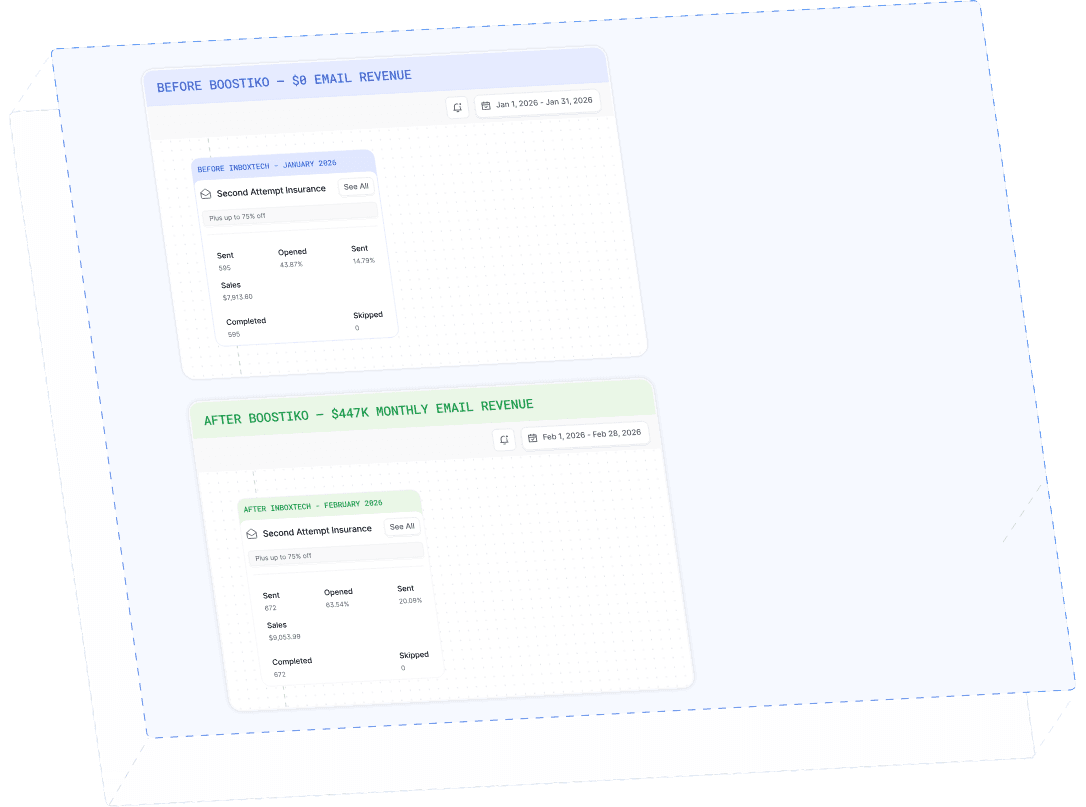
Case Study 01
Leading Prop Firm
$0 - $447K in 3 months
40.7% of total revenue
14 days time to first revenue
$0 to $447,115/month in Added Revenue in 90 Days