•
Boostiko Team

A trader reports that their deposit confirmation never arrived. Your email platform says “delivered,” and yesterday’s promotion reached Gmail’s Promotions tab. Those observations do not identify one shared problem.
The payment notice might come from a different provider, be waiting in a queue, or have reached Spam. The promotion might have been categorized correctly. Before changing templates, trace the exact event, sending source, and recipient outcome.
This checklist focuses on broker operations: registration, know-your-customer checks, account updates, payment notices, and marketing sent through CRM systems, email service providers, or partners. The examples are illustrative operational scenarios, not Boostiko client results.
1. Decide what each message is supposed to do
Gmail describes Promotions as the category for deals, offers, and other promotional email. A trading offer can legitimately appear there. Updates includes automated confirmations and notifications, so an account notice appearing outside Primary is not automatically a deliverability failure.2
Important is personalized, not a universal destination folder. Gmail uses each recipient’s behavior to decide which messages receive its importance marker. Calling a message “important” in the subject does not secure that marker.3
Separate messages by purpose before investigating:
Operational: registration verification, KYC review status, account security changes, payment status, and receipts.
Marketing: trading offers, promotional webinars, incentives, and sales follow-ups.
Keep a deposit receipt focused on the recorded transaction. Do not add a trading bonus banner and expect receivers to treat the combined message as purely operational. Google explicitly advises against mixing promotions into receipts; Yahoo recommends separating transactional and bulk marketing traffic.1 4
Separation is not a consent workaround. Creating an “account updates” sender does not make advertising a necessary service message. For the broader explanation of categories and filtering, see why emails land in Spam or Promotions.
2. Inventory events and the systems that actually send them
“Everything comes from our CRM” is worth checking. A CRM may trigger an event while another provider sends the message. Payment gateways, registration services, and partner tools can have independent sending identities.
For each event, record the trigger, sending provider, visible From address, return-path domain, DKIM signing domain, stream, and owner. Add the permission basis and the location of delivery logs. Use three practical groups:
Registration and account events: email verification, KYC status, and account changes. Identify whether the application, CRM, or identity provider sends each notice.
Payment events: deposit received, pending, failed, or reversed. Identify whether the payment provider sends directly or passes an event to your notification service.
Marketing events: CRM campaigns, ESP automations, and introducing-broker or affiliate promotions. Record who controls the list, creative, sender identity, and suppression process.
A payment webhook arriving at the CRM does not prove that a notice was generated. Confirm that the event mapped to the right template and recipient, entered the sending queue, and produced a provider message ID. Check for stale addresses and duplicate triggers.
Match the wording to the authoritative payment status. Do not label a pending payment “deposit completed” just because an integration fired. Deposit-conversion copy is a separate topic, covered in forex broker first-deposit emails.
3. Collect a header sample from every source
A passing campaign test does not validate the payment sender. Collect a recent delivered sample for each source and inspect the full original message, including authentication results added by the receiving service.
Google requires SPF or DKIM for all senders to personal Gmail accounts. Bulk senders have additional requirements, including SPF, DKIM, DMARC, and alignment. Google recommends all three authentication methods even below the bulk threshold.1
The following are simplified example excerpts using reserved .example domains. They are not complete messages or records from a live broker:
The payment example shows why “SPF passed” is not the whole check. Its SPF identity belongs to a vendor, while the aligned, passing DKIM signature supports DMARC. Confirm the actual configuration rather than copying these identities.1
For partner mail using the broker’s From domain, inspect a partner-originated sample too. Passing SPF and DKIM for an unrelated partner domain does not establish alignment with your visible From domain. If the partner uses its own From identity, verify that identity and the permission behind the campaign. Google warns that affiliate spam associated with a brand can affect its other mail.1
Have the provider verify TLS, forward and reverse DNS, and message formatting alongside authentication. A DNS screenshot alone does not validate every sending path.1
4. Separate event failures, server acceptance, and inbox placement
For a missing deposit notice, collect the event timestamp, internal reference, provider message ID, recipient domain, and delivery response. Then establish where the process stopped.
No generated message means an application or integration investigation. A generated message with no submission means a queue or provider-handoff investigation. A rejection or deferral calls for the actual server response. Acceptance moves the investigation toward the receiving mailbox.
An SMTP acceptance response is evidence that the receiving server accepted the message, not proof of Primary placement. Ask the recipient to search for the sender or reference across Spam, categories, and archived mail. With appropriate permission, obtain the original message rather than relying only on a cropped screenshot.
Use controlled tests for each operational source and the marketing ESP across relevant mailbox providers. Keep test identities and customer evidence separate. A seed inbox shows what happened to that test account; it does not represent every trader’s personalized inbox.
Report server acceptance, observed Spam placement, and observed categorization separately. A dashboard should not treat a rejected payment notice and an accepted promotion in Promotions as equivalent failures.
5. Investigate bounces and deferrals by source
Group failures by source, recipient provider, response text, and time. An ESP campaign can be healthy while a payment service encounters authentication failures or rate limits.
Preserve the original response and the provider’s interpretation. Do not reduce every failure to “bad email address.” Invalid recipients, policy rejections, and temporary deferrals require different actions. Yahoo recommends monitoring hard and soft bounces and removing invalid recipients promptly.4
For temporary failures, check queue age and retry behavior. Confirm that repeated application calls are not creating duplicate notices while the provider is already retrying. Escalate sustained delays with message IDs and response evidence, without exposing payment details in a support ticket.
Google recommends reducing sending volume when bounces or deferrals increase and examining individual messages if problems continue.1 Coordinate that response by stream. Diagnose the affected source and preserve essential service handling through an agreed incident process, rather than blindly pausing every broker email.
Assign an owner for the next check. A missing-notice incident should end with a verified correction or a documented escalation, not “the template looks fine.”
6. Check marketing permission and the promise being made
Registration, a KYC submission, or a completed deposit does not by itself demonstrate that someone requested promotional mail. Record where the marketing opt-in came from and what the trader agreed to receive. Treat partner lists with the same scrutiny. Google and Yahoo advise sending wanted mail and avoiding purchased lists.1 4
Review complaints by source and acquisition route. Google recommends keeping Postmaster Tools spam rates below 0.10% and avoiding 0.30% or higher. Yahoo requires a rate below 0.3% and calculates it against inbox-delivered mail, so an ESP percentage may not be directly comparable.1 4
Make unsubscribe work across CRM campaigns, ESP flows, and partner-controlled sends. Applicable bulk marketing needs one-click unsubscribe and a visible body link; Yahoo says requests should be honored within two days.1 4
Review trading claims as part of the message audit. Do not describe speculative returns as guaranteed, disguise a sales message as an urgent account restriction, or use misleading reply-style subjects. Route financial-promotion copy through the compliance review appropriate to the product and jurisdiction. Google requires accurate, non-deceptive message elements.1
7. Keep sensitive account work inside the official portal
A KYC status email should explain the next step without attaching identity documents or asking the trader to reply with them. Do not send passwords, full payment credentials, or sensitive documents in email.
Direct the trader to the broker’s official authenticated portal for document uploads, account details, and payment verification. Use recognizable links and accurate status wording. For a missing receipt, support should verify the underlying transaction through authorized systems, not request sensitive information over an email thread.
This gives the trader a reliable route to the account record even when an email is delayed or overlooked.
Build a coordinated broker email solution with Boostiko
Boostiko brings design, copy, technical setup, campaign operations, and deliverability support into one coordinated service. For a broker, the plan starts with the actual sending inventory: which systems generate notices, which send promotions, and which teams own the evidence and corrections.
We coordinate authentication checks and provider troubleshooting with readable templates, accurate copy, permission handling, and monitoring. Operational systems remain with the agreed owners, while marketing work is managed against a clear scope.
InboxTech™ is Boostiko’s proprietary in-house technology. Every email we manage, campaigns and automated flows alike, is processed through InboxTech™, included with every engagement.5 That does not mean every payment or KYC system a broker operates is automatically under our management.
There is no universal inbox, Primary, or Important guarantee. The goal is wanted, clearly identified email with working infrastructure and evidence-led improvements. Contact Boostiko to discuss a broker email audit and a coordinated implementation plan.
References
Continue reading



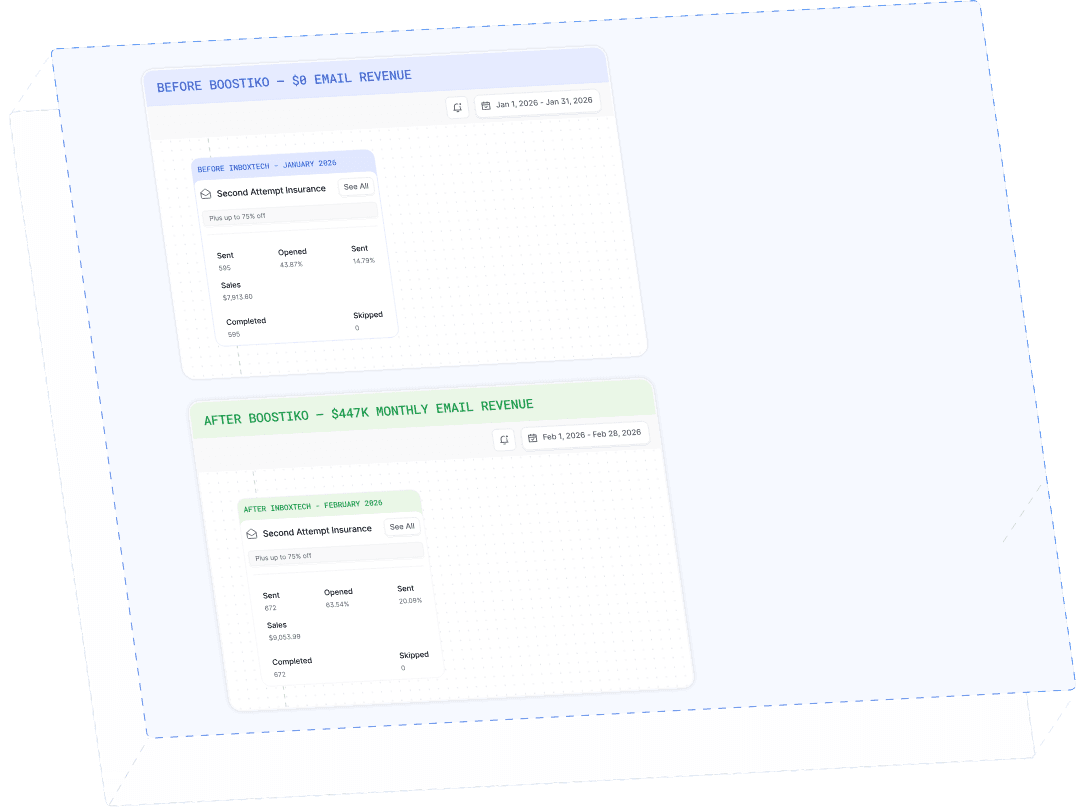
Case Study 01
Leading Prop Firm
$0 - $447K in 3 months
40.7% of total revenue
14 days time to first revenue
$0 to $447,115/month in Added Revenue in 90 Days