•
Boostiko Team

Forex Broker Email Marketing: A Clear KYC and Verification Flow
KYC is one of the moments where a forex broker either makes the customer journey feel simple or makes it feel uncertain.
A person has created an account. They may be ready to explore the platform, but they still need to understand what information is required, how to submit it safely, what happens next, and where to get help. If the emails are vague, late, or mixed with sales copy, the customer has to guess. That creates more support tickets and gives the brand less room to build trust.
A better approach is a short verification email flow with one clear purpose per message. The goal is not to make promises about an approval outcome or push someone to fund an account. The goal is to help an account holder complete the broker’s real process with the right information, accurate expectations, and an obvious support route.
This guide is general marketing and operations guidance. It is not legal, financial, or compliance advice. Each broker needs its own legal and compliance review for its target markets, product set, customer terms, KYC policy, privacy process, permissions, disclosures, and approval path.
Treat verification as a service journey, not a sales funnel
A verification sequence should first answer practical questions. What does the customer need to provide? Where should they upload it? What is the safe, official way to contact support? What happens after submission? What should they do if something is missing?
That is different from a promotional email. The FTC explains that an email’s primary purpose matters. A transactional or relationship email can facilitate an agreed transaction or update a customer about an ongoing account relationship. But those categories are narrow. If a message mainly promotes a product or service, it should be treated as commercial. 1
For a broker, that distinction is useful in daily operations. A message titled “We need one more document for your verification” should not turn into a large deposit offer halfway through. The customer opened it to resolve an account step. Keep the operational message focused on that step.
This also makes reporting cleaner. You can measure the verification journey separately from commercial email. That means you can see where people need help without treating every delay as a campaign problem.
Build the flow around real account states
The strongest automation is triggered by the account status, not by an arbitrary calendar. Before writing a single email, list the states your systems can reliably pass to the email platform.
A practical starting set may include:
Account created
Verification started
Documents submitted
More information required
Verification complete
Verification not completed after a reasonable period
Support request opened
Do not create a tag for every possible event just because the platform allows it. Start with the states that change what the customer needs to do next. A person who has already submitted documents does not need another email asking them to upload documents. A person who needs more information should receive a specific, clear request that points to the correct secure channel.
The account system should remain the source of truth. Your email platform can react to a status, but it should not decide whether a customer has passed verification, whether an account is eligible for a particular action, or whether a document is acceptable. Those are operational and compliance decisions.
The six-message KYC and verification email flow
The exact timing depends on your process and customer service coverage. The structure below gives every message one job and avoids mixing account service with promotion.
1. Confirm the account and explain the next step
Send this message immediately after account creation if verification is required before certain account functions become available. Confirm that the account was created, identify the broker clearly, and explain the next action in ordinary language.
Avoid broad instructions such as “Complete your profile.” Instead, tell the customer where to go and what they will find there. For example: “Open your secure account area, choose Verification, and follow the document instructions shown for your account.” Link only to the official account area and help centre.
Do not list every possible document unless your policy makes that list stable for the customer’s jurisdiction. A generic list can become inaccurate fast. It is safer to direct the person to the current requirements in the secure experience and tell them where to ask a question.
2. Make the process feel manageable
The second message can reduce uncertainty before the customer starts. Explain the process as a few short steps: prepare the requested information, submit through the secure account area, then wait for the account status update. Do not tell customers how quickly a review will finish unless the broker has approved a service expectation that can be met.
This is a useful place for a short safety reminder. Tell customers to use only the broker’s official domain and secure account area. Do not ask them to reply with sensitive documents. Do not ask them to send identity details through a public chat or social media message.
The email should read like an operations message, not an advertisement. A direct subject line such as “How to complete account verification” is better than a vague urgency headline.
3. Confirm receipt without implying an outcome
When documents are submitted, send a simple receipt confirmation. State that the submission was received and that the customer can check their account area or contact support if they have a question.
This is where wording matters. “We received your documents” is clear. “You are almost approved” may not be accurate. The message should not imply that a review result is guaranteed or that a customer will be able to access a particular service after review.
Keep the content short. The point is to remove the question, “Did my upload work?” not to reopen the sales conversation.
4. Ask for more information with a precise next action
If the review team needs more information, the email needs more care than a generic reminder. The customer should understand that action is required, where to view the request, and how to use the official secure route.
Do not include sensitive personal details in the email body. Do not describe the document issue in a way that exposes data if the message is forwarded or seen on a shared device. Instead, say that more information is required and direct the person to the secure account area, where the current request can be reviewed.
A useful pattern is:
More information is needed to continue your account verification. Please sign in to your secure account area to review the request and submit the required update. If you need help, contact our support team through the official help route.
The exact language and any required disclosures should be approved by the broker’s compliance and legal teams.
5. Confirm completion and separate future marketing choices
Once verification is complete, the confirmation can say that the account status has been updated and point the customer back to the account area for current information. Keep it operational.
If the broker wants to invite the customer to receive market education, product updates, or promotional offers, use a separate commercial message or a clearly separated consent process. Do not treat completion of a service step as automatic permission for every future marketing program.
Google’s sender guidance recommends that businesses only send subscription messages to people who want them. It also says that senders of more than 5,000 messages a day to personal Gmail accounts need SPF, DKIM, and DMARC, aligned From domains, and one-click unsubscribe plus a visible unsubscribe link for marketing and subscribed email. 2
That is an operational reason to keep consent, message type, and sender domain decisions clean. It is also a better experience for the customer. An account update should look and behave like an account update. A marketing email should be easy to recognize and easy to leave.
6. Follow up only when the customer still needs help
A reminder can be useful when a customer has started verification but has not completed the next required step. It should be limited, factual, and linked to the live account state.
Do not create pressure with misleading countdowns. Do not suggest that a customer has lost access if that is not true. Explain what remains incomplete and where they can find the current requirements. If the process expires under the broker’s actual policy, state the policy clearly and link to the source of truth.
If a customer has not engaged after a reasonable period, do not keep sending the same reminder indefinitely. Route the situation into a sensible suppression or support review process. Repeatedly emailing someone who cannot act yet is not good service and can harm engagement.
Keep promotional email out of operational notices
Forex broker email marketing still has an important role after verification. Customers may want platform education, product updates, market content, and offers where appropriate. The mistake is treating operational verification email as free space for all of that.
Create a simple message framework:
Message type | Primary job | Main CTA | Marketing content |
|---|---|---|---|
Verification notice | Complete or review an account step | Open secure account area | None or strictly limited after review |
Security update | Protect account access | Review security action | None |
Support follow-up | Resolve a customer question | Contact support or view ticket | None |
Commercial campaign | Present an approved offer or product update | Read approved terms or opt in | Clear, separate, and reviewable |
The FTC says commercial email needs truthful header information and subject lines, a physical postal address, a clear opt-out method, and prompt handling of opt-outs. It also says a company cannot contract away its responsibility when it hires another business to run email on its behalf. 1
That makes ownership important. Marketing, compliance, product, support, and the external email team need a shared approval path. The person who writes the email should not have to guess whether the copy is promotional, service-related, or subject to a specific disclosure requirement.
Design the approval process before the campaign calendar
Email is fast. Compliance review should not slow every message down because someone has to start from zero each time. The answer is an approval system, not looser review.
Create approved building blocks for each message type. For KYC messages, include approved account language, official links, support wording, privacy-safe instructions, and escalation contacts. For commercial messages, include the required disclosure blocks, audience restrictions, consent conditions, approved offer terms, and an owner for final sign-off.
For any financial promotion, use a review that considers the actual audience and jurisdiction. FCA guidance says promotions should be clear, fair, and not misleading, while giving consumers a balanced view of benefits and risks. It also says information that needs to be prominent should be easy to identify and understand rather than hidden behind an optional action. 3
The rule in practice is straightforward: do not write a benefit-heavy subject line then place essential conditions somewhere the customer is unlikely to see. If an email cannot communicate a product fairly within the available space, use the email to direct the customer to an approved page that can provide the necessary context. The email still needs to stand on its own under the rules that apply to it.
The technical checklist behind a trusted verification flow
Clear copy will not help much if the message lands in spam or looks unsafe. Before expanding volume, check the sending foundation.
Use a recognizable From name and a domain that matches the brand and the destination links. Configure SPF and DKIM. Add DMARC and review the reports. Google says the domain in a direct sender’s From header must align with either the SPF or DKIM domain to pass DMARC alignment. 2
Keep the verification flow and marketing programs organized. That does not always require separate domains, but it does require clear ownership and a deliberate sending plan. A sudden promotional burst should not change the experience of people waiting for a verification update.
Use a real preference centre for promotional email where appropriate. Let recipients choose the categories they want, while preserving the ability to stop marketing messages entirely. Keep those preferences connected to the email platform and the sending provider so an opt-out is applied everywhere it needs to be.
Finally, review the flow as a customer would. Create a test account. Open the emails on a phone. Check every link. Confirm that no sensitive information appears in the message body. Make sure the customer can tell what to do next in less than a minute.
Where Boostiko fits
A forex broker does not need another generic email template pack. It needs a lifecycle system that mirrors the real account journey, keeps service and marketing messages separate, and gives the internal team a clear process for review and reporting.
Boostiko helps build that system. We map the account states, write the message set, design the emails, set up the operational logic, and support deliverability and campaign work. That brings strategy, copy, design, technical setup, and lifecycle operations into one team instead of asking a broker to coordinate several separate hires or vendors.
The result is a clearer customer experience from the first verification email onward, with a foundation that can support responsible email marketing for forex brokers as the program grows.
References
Continue reading



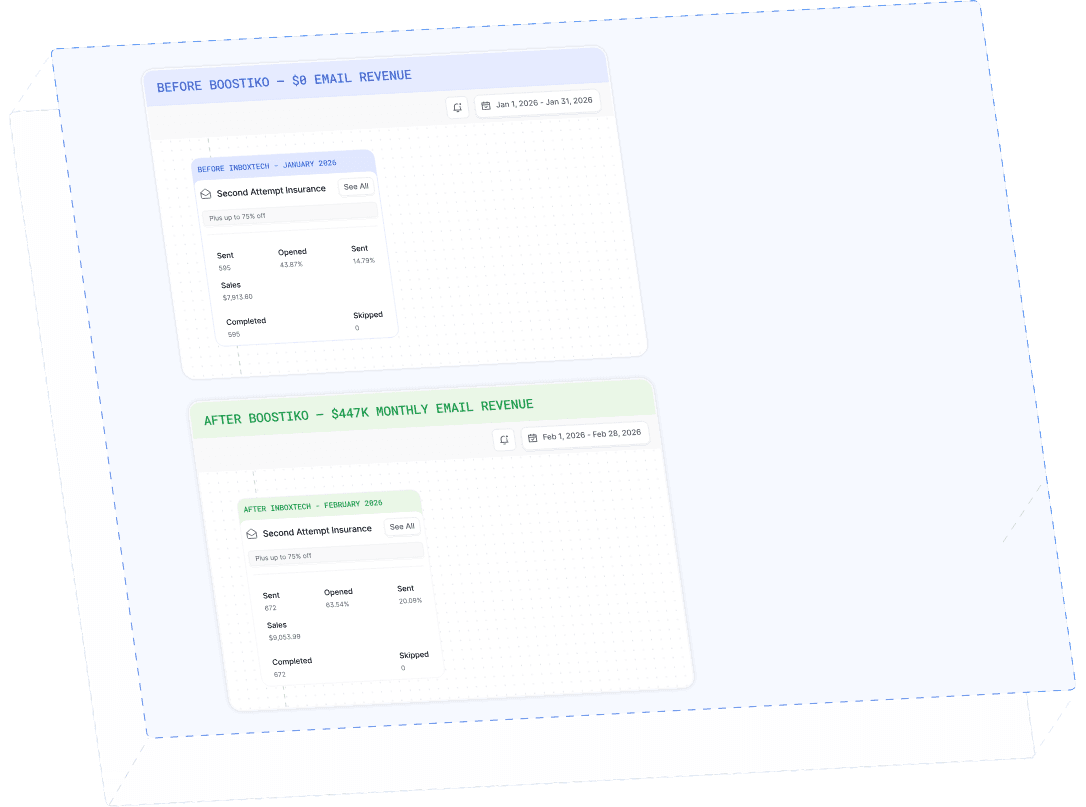
Case Study 01
Leading Prop Firm
$0 - $447K in 3 months
40.7% of total revenue
14 days time to first revenue
$0 to $447,115/month in Added Revenue in 90 Days