•
Boostiko Team

Futures Prop Firm Email Marketing: Clear Evaluation Progress Updates
A futures prop firm customer should not have to guess what is happening in their evaluation.
They may have just started. They may be waiting for the account to update. They may be close to a threshold, have a rule question, or need to find the official support route. When the firm stays silent, people fill the gap with assumptions. When the firm sends vague messages, they still do not know what to do next.
Clear evaluation progress emails solve a practical problem. They show the customer their current account state, point to the live source of truth, and make support easy to reach. They do not promise a result. They do not tell a trader that an evaluation is a shortcut to income. They do not replace the published rules or an account dashboard.
That is the role of email marketing for futures prop firms during an evaluation. The messages should make the journey easier to understand while keeping the difference clear between account updates, education, support, and commercial campaigns.
This is general marketing and operations guidance. It is not legal, financial, trading, or compliance advice. Each firm needs its own review of its program terms, target markets, data use, consent, disclosures, risk language, and approval process.
Start with one source of truth
The dashboard, program terms, and maintained help centre should be the official place for an evaluation status. Email should support that experience, not compete with it.
Before you automate a single progress email, decide which system owns each fact. The account platform may own the evaluation status. The rules page may own the current limits and conditions. The help centre may own explanations of common questions. Support may own individual account issues.
Email should link customers to those maintained sources. It should not include a summary that can be out of date by the time the reader opens it. That sounds basic, but it prevents many avoidable problems. A message written months ago can remain in an automation long after a policy or program detail changes.
A useful rule is simple: if the customer needs a number, current rule, deadline, or account decision, direct them to the live secure location where that information is maintained. The email can say what to look for. It should not invent or freeze the result.
The CFTC tells prospective futures customers to understand the obligations of a contract, review required risk disclosures, and know who to contact with a problem or question. It also describes futures and options speculation as volatile, complex, and risky. 1 A clear email system helps customers find the information they need. It should not use the evaluation journey to downplay those facts.
Give each evaluation email one job
A messy lifecycle usually starts when one message tries to do everything. It confirms an account update, repeats several rules, promotes an offer, asks for a review, and links to a community channel. The reader cannot tell which action matters.
Instead, define a single job for every message. A good evaluation progress email may have one of these jobs:
Confirm that the evaluation has started
Explain where a customer can view the current status
Point to the current published rules
Clarify that a support question needs a support response
Confirm an account state change without predicting what comes next
Invite a properly consented subscriber to receive a separate education or product update
A message can contain supporting links, but it should keep one main action. If the main action is “Open your dashboard,” make that the clearest link in the email. If the main action is “Read the current rules,” take the customer to the exact official page.
This focus also helps the internal team. Product, support, operations, compliance, and marketing can see why a message exists and who needs to approve it.
The five essential evaluation progress emails
The exact triggers depend on the program. The structure below is a starting point for a firm that wants clearer customer communication without creating pressure or making promises.
1. Evaluation started
Send the first status message when the account is actually available and the evaluation has begun according to the firm’s own system. Confirm the action in plain language. Tell the customer where to sign in, where to find the current program rules, and where to contact support.
Keep the message practical. A subject like “Your futures evaluation is ready to view” is clearer than “You are on your way.” Avoid implying a positive outcome before the account has reached any verified state.
The message can include a three-step checklist: sign in, read the current rules, and save the support route. Do not put a promotional offer below that checklist. The reader opened a service message and expects service information.
2. First progress update
A first progress update works best when it has a real reason to exist. It may be triggered after the customer has logged in, after an initial period of account activity, or after a platform event that your operations team has approved for use.
The email should avoid performance language that sounds like a recommendation. You can say, “Your current evaluation status is available in your dashboard.” You should not say, “Keep trading to reach the next stage,” unless that language has been reviewed and is accurate for the applicable program and audience.
Do not construct artificial urgency. A countdown belongs only where it reflects a real program deadline and has been approved. If a deadline does exist, state it accurately, point to the official terms, and make support available for customers who need help understanding it.
3. Rules and support reminder
Many support questions come from customers who cannot find the current rule or do not know which source applies. A dedicated rules reminder is better than hoping people remember a long welcome email.
Keep it simple. Tell the customer where the official rules live, how to check their account status, and how to open a support request. Use a short explanation of the page contents. Do not summarize every condition if that summary may lose context or become outdated.
NFA Compliance Rule 2-29 applies to its FCM, IB, CPO and CTA Members and Associates. In that context, it prohibits deceptive or high-pressure public communications and says a profit reference needs an equally prominent discussion of risk of loss. 2 A futures prop firm may not fall within the same regulatory scope, but the operating lesson is still useful: a progress email should not use rules as a place to hide conditions or wrap a sales push around a customer service update.
4. Account status changed
When an account status changes, the message should state only what the source system has confirmed. It should direct the customer to the secure account area and any official explanation that applies to the new state.
Choose verbs carefully. “Your dashboard status has been updated” is accurate if it has. “Congratulations, you are funded” is only appropriate if that exact account status is final, accurate, approved, and supported by the firm’s terms. When in doubt, use the neutral status message and link to the secure account area.
This is also not the place for a new price offer or a broad sales promotion. A customer should be able to read a status update and know that every sentence relates to that status. Clear boundaries make the message easier to approve and easier to trust.
5. Inactive or unfinished evaluation reminder
Some customers start an evaluation but do not return. A reminder can help if it says what is true and gives one useful next step. It can tell the customer that their latest status is available in the dashboard, that the current terms are available on the rules page, and that support can answer account questions.
Do not use manipulative language. Do not say an account will expire if it will not. Do not describe an outcome that the customer has not earned. Do not imply that an evaluation is suitable for every person.
If the email is commercial in purpose, it should follow the rules that apply to commercial email. The FTC explains that primary purpose matters. If a message primarily advertises or promotes a product or service, it is commercial even when it also contains relationship content. 3 Keep a service reminder focused on service. Put any commercial campaign in a separately approved message.
Separate progress email from promotional email
The most reliable way to keep a lifecycle clear is to use separate tracks.
The first track is operational. It includes account setup, status availability, secure access, support information, and links to the current terms. Its purpose is to help a real customer complete or understand a real account journey.
The second track is commercial. It may include product announcements, education invitations, or offers that have passed the firm’s review process. Its purpose is marketing, so it needs appropriate consent and a clear opt-out path.
The distinction matters for both customers and email delivery. Google says all senders to personal Gmail accounts need SPF or DKIM. It says higher-volume senders need SPF, DKIM, and DMARC, aligned From domains, one-click unsubscribe, and a visible body unsubscribe link for marketing and subscribed email. 4
Do not put a promotional campaign on the same logic as an account update simply because it has a good open rate. A person waiting for an account status should not become a campaign trigger. Keep marketing consent, message purpose, and sending rules explicit.
Build the status triggers with care
A well written email can still fail if the trigger is wrong. Work backward from the states your account system can reliably provide.
Start with a small list: evaluation created, account ready, dashboard status updated, support request open, evaluation inactive, and evaluation closed or changed under the current program policy. Only create an automation when the underlying status is trustworthy enough to show to the customer.
Then add safeguards. Prevent duplicate sends. Stop a reminder when the relevant account state changes. Suppress commercial emails when a person has opted out or when your policy requires a pause. Send customers to an official support route when the system cannot explain an individual decision.
Test the flow with a real checklist. Create a test account. Trigger each status. Open the email on a phone. Click every link. Check that the live account page matches the email. Confirm that no sensitive account information is visible in the message body. Review the email in the context of the actual program terms.
The point is not to automate every possible message. The point is to make the small number of important messages accurate and dependable.
Use plain language in status copy
Futures prop firm communication can become needlessly complicated. Teams add jargon because they think it sounds official. Customers then need support just to understand the email.
Use short sentences. Say “Check your current status in the dashboard” instead of “Your progress is now available for review within the account environment.” Say “Read the current rules here” instead of “Refer to the governing framework.”
Plain language does not mean leaving out important information. It means putting the essential action first, then linking to the full source. If a specific disclosure is required, include it in the approved form and give it enough prominence for the channel and audience.
Subject lines should be equally clear. “Your evaluation status is available” tells the customer what the email is about. “Important update” does not. Avoid fake replies, fake urgency, or a subject line that suggests a result the email cannot confirm.
Where Boostiko fits
A futures prop firm does not need a stack of disconnected automations. It needs one lifecycle that understands the difference between account service, education, support, and commercial marketing.
Boostiko helps build that system. We map the real account states, write the message set, design the emails, set up the logic, and support deliverability and campaign operations. That brings strategy, copy, design, technical setup, and lifecycle operations into one team instead of asking a firm to coordinate several separate hires or vendors.
The result is a clearer evaluation experience that gives customers useful updates, protects the operational journey, and creates a better foundation for responsible email marketing for futures prop firms.
References
Continue reading



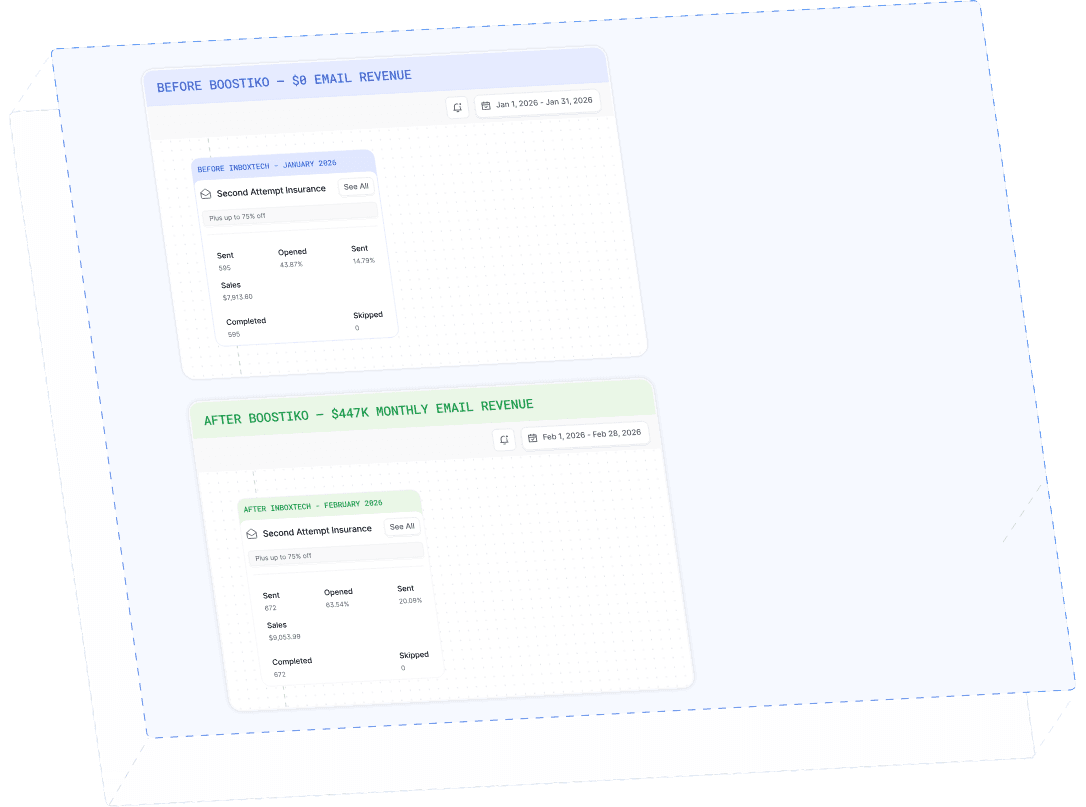
Case Study 01
Leading Prop Firm
$0 - $447K in 3 months
40.7% of total revenue
14 days time to first revenue
$0 to $447,115/month in Added Revenue in 90 Days