•
Boostiko Team

Futures Prop Firm Support Emails: Keep Ticket Updates Clear
A trader contacts support about an evaluation account, then receives an email saying the request is being handled. Has anyone reviewed it? Is more information needed? Should they reply, or open another case?
Futures prop firm support emails should answer those questions without implying an outcome that has not happened. The work starts with notification ownership: which system sends each message, what event justifies it, and where the trader can safely continue the conversation.
1. Give receipt and review different meanings
An acknowledgement confirms that a request reached the support system. It does not confirm human review, a successful payment, an approved account adjustment or a decision on a rule question. Choose language that preserves that distinction.
In Zendesk, email to a support address can create a ticket, while configured triggers, automations and targets generate notifications. That describes Zendesk's mechanisms, not a guarantee that every firm's setup sends the same messages. Inspect the active configuration before writing the acknowledgement. 1
Assign one system and one operational owner to each notification type. If the help desk sends the receipt, another email platform should not send a competing confirmation for the same request.
Illustrative wording, only where replies actually return to the case: “We've received your request. Reply to this email to add information to this case. This confirmation does not mean your request has been reviewed.” Add a review estimate only when the team can support it, with the relevant timezone and business hours.
2. Keep the affected evaluation in context
One trader may hold several evaluations. Knowing who contacted support is not enough to identify which account the request concerns. Keep a case reference and the affected account reference distinct in the underlying workflow.
Use a masked account reference in email when needed, with fuller context available after authentication. Avoid balances, identity details and sensitive account history in subject lines, where they can appear on shared screens or notification previews. Before exposing account information, verify the requester through the firm's approved process. Possession of an email thread is not sufficient authorization for sensitive account changes.
If the account is unclear, ask the trader to select it through the actual secure support route rather than guess. Two cases from the same person may concern different evaluations or issues. Do not merge them merely because the sender matches.
3. Separate public messages from private notes
An internal note may contain useful context for an agent and unsuitable content for a customer. Raw logs, risk flags, staff discussions and identity documents do not belong in a notification simply because they are attached to the ticket.
Zendesk supports placeholders that insert ticket or user information into notifications. Its documentation warns that changing or removing required placeholders can disrupt communication. Preserve necessary behavior, but also check what every inserted field can expose. 1
Create a small, approved set of customer message fields. These might include the case reference, a nonsensitive issue summary and a reviewed public response. Never assume a field called “latest comment” necessarily selects safe customer content in your configuration.
Test public and private comments separately. Give someone explicit responsibility for reviewing placeholder changes, especially when templates are copied between workflows.
4. Send updates when the next step changes
A notification should help the trader decide what to do or understand what happens next. Useful events include a request for information, a confirmed specialist review or a substantive answer. An internal queue move usually does not meet that standard.
Describe review as review, not approval. If another team is involved, explain the relevant stage without publishing internal routing details. Avoid daily “we are working on it” messages that add no information. A promised next update is useful only if someone owns delivering it.
Zendesk distinguishes event based triggers from time based automations. 1 For either mechanism, ask what changed for the customer. If the answer is only an internal label or assignment, keep it internal. When a genuine delay affects an earlier commitment, explain the changed expectation rather than silently letting that commitment expire.
5. Request information through a secure route
When support needs more information, identify the smallest useful request. “Send everything about your account” creates unnecessary exposure and leaves the trader guessing which details matter.
Direct sensitive material to an authenticated process that actually exists. Do not ask for passwords, payment card details or identity documents by ordinary email. The message can explain the requested category and why it is needed without including the sensitive material itself.
Illustrative wording, conditional on a working portal: “Please sign in to your account and use the secure support link to provide the requested details. Do not send passwords or payment card details by email.” Replace “secure support link” with the firm's real navigation instructions before use.
If no suitable portal exists, agree on an approved secure process before sending the request. Do not invent a destination in the template. Tell the trader whether submitting information there updates this case, and what to do if they cannot access it.
6. Test the reply route, not just the subject
“Reply to this email” is a functional promise. A case number in the subject does not establish that replies will reach the correct conversation. Check the sender, Reply-To address and the provider's threading behavior together.
Zendesk documents a specific limitation: replies to email target notifications are expected to create a new ticket because that notification mechanism is not designed to thread replies into the existing ticket. Do not present this as a rule for every help desk. 3
Where appropriate, Zendesk's standard requester or authorized CC notification route can support the intended conversation. Only include people who are verified and authorized to see it. Do not add unrelated recipients merely to make threading work. 3
Test the actual route before substituting an email marketing template for native ticket mail. If replies are not supported, say so clearly and give the real authenticated continuation path. Thread continuity still does not replace identity verification for a sensitive action.
7. Make resolution explicit and stop stale reminders
A ticket marked solved is an internal state. A useful resolution email explains what was addressed, what remains pending and how the trader can seek further help under the firm's actual policy. Do not imply that every closed ticket can be reopened by replying.
For Zendesk, ticket events can identify the trigger responsible for a solved ticket email. Its guidance discusses adjusting relevant status and public comment conditions, with other triggers and automations also reviewed. That is a targeted configuration approach, not a reason to suppress all resolution messages. 2
Coordinate a final public reply and any solved notification so they do not send duplicate answers. Likewise, end waiting reminders when the requested information arrives or the case leaves that state. Recheck eligibility immediately before sending, and guard against retries sending the same event twice.
Keep outcomes precise. A support response about billing does not prove payment succeeded. The same distinction matters in futures prop firm payment failure emails.
8. Diagnose with controlled cases and useful records
Test changes using authorized synthetic cases, not live customer information. Include two evaluations under one requester, a private note, a public reply, a simultaneous solved event, a retried event and a reminder scheduled before an answer arrives.
Also test a changed requester, permitted CC behavior and the actual reply route. Check mobile readability and whether portal links require the intended authentication. Release narrowly, with an owner and a fallback that preserves the core customer conversation.
For diagnosis, retain restricted records of the case reference, notification type, sending rule, timestamp and source state. Avoid copying sensitive ticket contents into general logs. A provider's send attempt does not prove inbox delivery.
Measure duplicate notifications, wrong thread replies, bounces and failed continuation routes with defined denominators. Review why cases reopen rather than treating every reopening as failure. Opens alone cannot show that a trader understood the update or that their request reached the right team. Do not claim operational savings without measured evidence.
9. Keep requested support separate from promotions
Email marketing for futures prop firms and support messaging may share brand styling, but they serve different purposes.
The FTC's CAN-SPAM guidance uses a message's primary purpose to distinguish commercial content from qualifying transactional or relationship content. An existing customer relationship does not make every email exempt, and mixed content can be commercial depending on its presentation. These are US rules, not a universal legal classification for support mail. 4
Keep commercial offers out of ticket updates and preserve marketing opt-outs. A help request is not blanket consent to campaigns. Review applicable laws and provider policies separately.
When a question concerns a rule announcement, keep the individual answer tied to the case. A broader futures prop firm rule change update email needs its own audience, purpose and ownership rather than borrowing the support thread.
10. Where Boostiko fits
Clear support notifications need copy and workflow to agree. Start with a map of receipts, information requests, review updates, reminders and resolution messages. For each, record the sending system, accountable owner, permitted fields and continuation route.
Boostiko can help turn that map into customer copy and email design that make the next step easy to understand. Configuration, account permissions and secure submission paths still need validation by the team responsible for the support platform.
If your futures prop firm support emails leave traders unsure whether a request was received, reviewed or resolved, contact Boostiko to discuss clearer messaging around the workflow you actually operate.
References
Continue reading



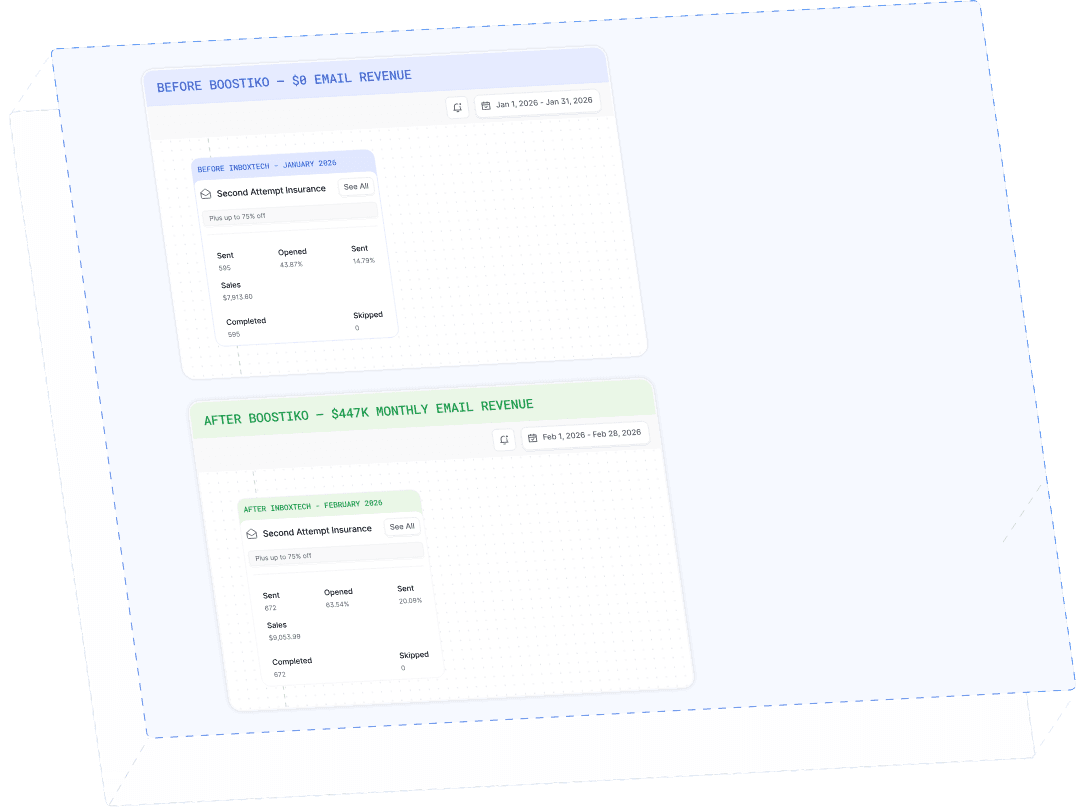
Case Study 01
Leading Prop Firm
$0 - $447K in 3 months
40.7% of total revenue
14 days time to first revenue
$0 to $447,115/month in Added Revenue in 90 Days