•
Boostiko Team

A trader completes checkout, then receives a discount to finish the same purchase. Another opens a refund dispute and gets an upgrade offer. Someone unsubscribes, but a delayed promotional flow keeps moving through its scheduled steps.
These are suppression problems. The message may have been appropriate when the person entered the audience. It is wrong when the send happens.
Prop firm email marketing needs suppression rules that respond to current account, payment and consent status. Segmentation decides who might receive a message. Suppression decides who must not receive it now. Start with the audience structure in our prop firm email segmentation guide, then add the checks that prevent conflicting sends.
Separate consent from temporary marketing holds
Do not store every exclusion in one field called suppressed. An unsubscribe and an unresolved support ticket require different treatment.
Keep marketing permission separate from business holds. A purchase can stop an abandoned-checkout offer without stopping every future promotion. An unresolved dispute can pause promotional messages until a documented review. An unsubscribe must not disappear because a ticket closes or a customer makes another purchase.
For each hold, record a reason, its scope, when it started and what releases it. Scope might be one checkout, one evaluation product or the whole customer profile. Use explicit values such as checkout_completed, dispute_open and support_hold, rather than an unexplained true-or-false flag.
A simple decision order is: first check marketing permission and delivery restrictions, then unresolved business holds, then offer eligibility, then frequency limits. Passing a frequency check does not establish consent. Passing a consent check does not make the offer relevant.
These are implementation choices, not universal rules. Define them around your products, customer locations, platform requirements and approved compliance policy. An evaluation purchase does not establish guaranteed live funding or income, and your emails should not imply otherwise.
Give each conflicting event a clear effect
Checkout purchase
Treat the confirmed purchase in your payment or order system as the authority. A browser reaching a thank-you page is not enough.
Once that purchase is confirmed, stop reminders to complete the same checkout and coupons framed as an incentive to buy what the customer already bought. Match the order or checkout identifier where your integration supports it. A broad profile-level purchase exclusion can also block a legitimate reminder for a different checkout, so choose that trade-off deliberately.
Do not make the purchase event automatically release unrelated holds. The customer can have a completed order and an unresolved support issue at the same time.
Refund or dispute
Distinguish a refund request from an approved refund, and a payment dispute from a closed case. Give each state an owner and a release condition.
A sensible policy may pause promotional offers while a refund or dispute is unresolved. A completed refund should not automatically trigger a new discount. Review whether the customer remains eligible and whether marketing permission still exists before placing them in another promotional audience.
There is no universal cooling-off period supported by these sources. Choose one only if it serves a documented business policy, and do not present it as a legal requirement.
Open support case
Decide which tickets create a hold. A platform-access complaint may justify pausing promotions. A routine question about an invoice may not require the same restriction.
Use ticket categories or an agent-controlled hold. Closing one ticket must not clear a hold created by another. Recalculate the state across all relevant cases.
A support reply should address the issue. It should not become a promotional workaround for a customer excluded from marketing.
Unsubscribe
Apply the marketing opt-out across the relevant campaigns and promotional flows, not just the sequence where it happened. Do not restore marketing permission through a purchase, a profile import or a support-status update.
The FTC says subscribers and members retain the right to opt out of marketing. Its CAN-SPAM guidance requires an option to stop all marketing messages, even if you also offer narrower preferences. 4
Keep eligibility and event-latency checks server-side
The difficult case is a purchase that happens after an email has been queued but before the email platform receives the purchase event.
Build the eligibility decision from server-side payment, account and support records. Collect signed webhooks where available, validate them, deduplicate repeated events and retain both the event time and the time your system received it. Resolve identity through verified account and order identifiers rather than relying only on browser cookies.
Store enough history to handle events that arrive out of order. A delayed “ticket opened” event should not overwrite a newer, authoritative resolution. Equally, a resolution for one dispute should not erase a separate dispute hold.
Immediately before a server-controlled send handoff, recheck permission, relevant purchase status, unresolved holds and the offer's conditions. If your email platform owns the schedule, verify what it can actually evaluate at send time. A synced profile field is not a live query to your payment system.
Mirror current eligibility into the email platform for filtering, but keep the decision logic and data-freshness checks on your server. You might sync an eligibility value, a reason code and the time it was checked. Those are proposed custom properties, not built-in Klaviyo features.
For promotional messages, treat missing or stale eligibility as a reason to hold the send while the integration catches up. Define the acceptable freshness window from your measured integration delay. Do not invent a universal threshold.
Where supported, cancel queued offers when a disqualifying event arrives. For time-sensitive offers, consider server-controlled scheduling and handoff instead of relying solely on a long-running platform flow. No architecture can retract an email already handed off for delivery. Reduce that race window and document the remaining limitation rather than promising perfect prevention.
Use Klaviyo's controls for different jobs
Klaviyo's current documentation distinguishes trigger filters, profile filters and re-entry criteria. For metric-triggered flows, trigger filters inspect the triggering event when the person enters. They do not provide an ongoing check of everything that changes afterward. 2
Profile filters are checked at entry and before flow actions. Klaviyo gives abandoned checkout as an example: a Started Checkout flow can use a profile filter requiring zero placed orders since starting the flow. That can prevent subsequent checkout reminders after the purchase data reaches Klaviyo. 2
Add your relevant business-hold conditions to promotional flow eligibility. Use message-level additional filters when an exclusion should affect only a particular offer rather than every action in the flow. Apply corresponding exclusions to campaigns too, and verify their audience-evaluation timing separately.
A failed profile filter does not necessarily remove someone from the flow. Klaviyo skips the action and can check eligibility again at later steps. If a temporary hold clears, the person may qualify for a later message. Review whether that later message still makes sense, rather than assuming the original sequence permanently ended. 2
Re-entry criteria control whether a profile enters once, whenever it requalifies, or after a minimum interval. They are entry controls, not a substitute for filters before later actions. 2
Smart Sending serves another purpose. Klaviyo documents it as a skip reason when a profile received a message through the same channel too recently. It is a frequency control, not a check for a purchase, dispute or open ticket. The platform separately reports suppressed profiles and failed flow or additional filters. 3
Use these distinctions when diagnosing skips. Turning Smart Sending off because an offer was skipped does not resolve an eligibility problem. Removing a suppression because you want a bigger audience does not establish permission.
Make unsubscribe processing a reliable exclusion
Google's Gmail bulk-sender requirements say marketing and subscribed messages must support one-click unsubscribe and include a clearly visible unsubscribe link in the message body. The guidelines apply to personal Gmail accounts. 1
The header mechanism requires both a List-Unsubscribe header with an HTTPS endpoint and List-Unsubscribe-Post: List-Unsubscribe=One-Click. A footer link or preference centre does not replace that mechanism. Verify a received message's headers rather than assuming the template contains everything required. 1
Route opt-outs into a durable marketing exclusion and synchronise that state across your sending systems. Process them promptly instead of treating a compliance deadline as a planned waiting period. The FTC's United States guidance specifies honoring opt-outs within 10 business days and keeping the mechanism working for at least 30 days after the message is sent. Those deadlines are not permission to ignore stricter applicable requirements. 4
Authentication and other Gmail sender requirements still matter. Suppression does not replace them, and complying with a sender rule does not guarantee inbox delivery. 1
Keep essential operational notices separate
A refund confirmation, requested password reset or account-security notice may have a different purpose from an upgrade offer. However, calling an email “transactional” does not settle its classification.
The FTC describes transactional or relationship categories narrowly. An existing customer relationship is not enough. The message must fit a qualifying purpose, such as confirming an agreed transaction or providing certain account or security information. Mixed messages also require attention to the subject line and the placement of commercial content. 4
Keep essential notices focused on the event. Do not add a discount banner to a refund confirmation and assume the operational label permits it. An educational sequence with a purchase pitch should not be treated as essential merely because the recipient has an account.
Maintain a separately reviewed operational sending path with purpose-specific templates, valid destinations and appropriate safeguards. Marketing suppression must not accidentally block a genuinely necessary receipt, but operational classification is not a blanket bypass of consent, delivery restrictions or applicable law. Check the platform's supported transactional process instead of manually unsuppressing a profile to force delivery.
This article is operational guidance, not legal advice. CAN-SPAM is United States guidance. The relevant law and platform requirements depend on the recipient, jurisdiction and message.
Test the moments when status changes
Before launch, test a purchase during the reminder delay, a late purchase webhook, a duplicate dispute event and a support case that reopens. Include an unsubscribe while a promotion is waiting, and a temporary hold that clears before a later flow step.
Check the actual sending result, not only the audience preview. Log the decision time, state version and suppression reason without copying sensitive case details into the marketing platform. Separate intended exclusions from integration failures in reporting. Klaviyo's recipient activity exposes distinct skip reasons that help with this review. 3
Measure your own outcomes before claiming improvement. This process does not establish a revenue lift or complaint reduction by itself. Its immediate purpose is simpler: stop messages that current customer facts no longer justify.
For help designing those rules across campaigns and flows, explore Boostiko's prop firm email marketing services or contact Boostiko to review your suppression logic.
References
Continue reading



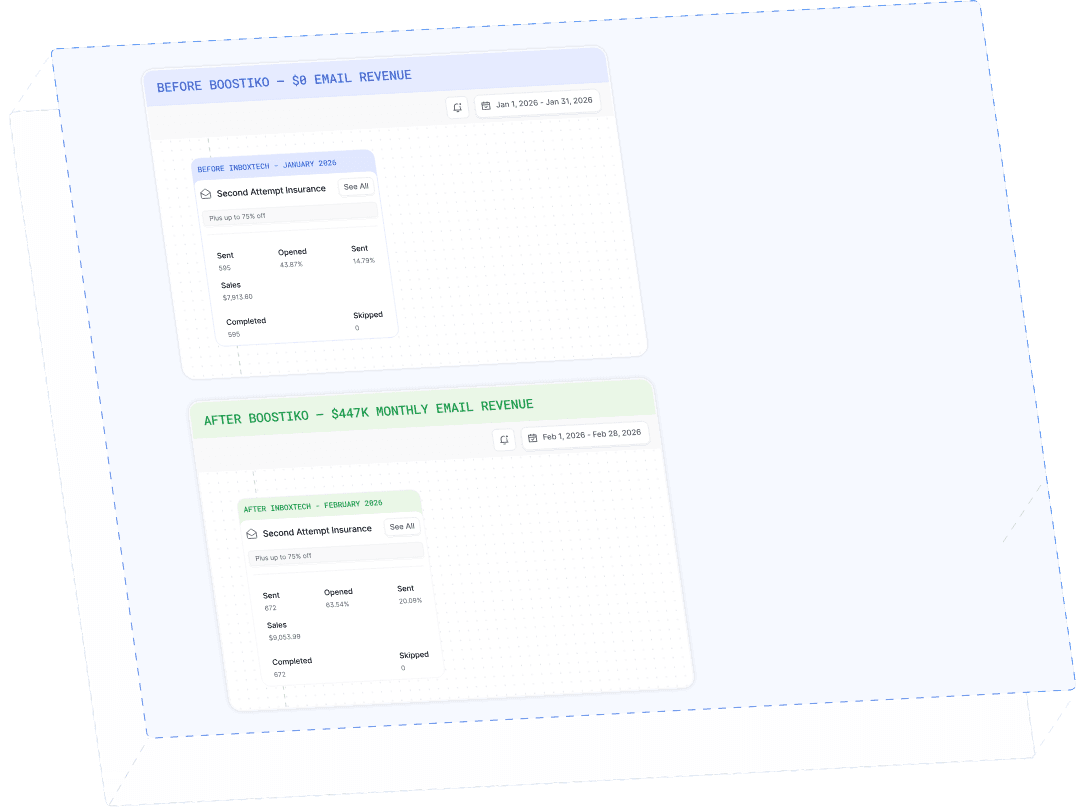
Case Study 01
Leading Prop Firm
$0 - $447K in 3 months
40.7% of total revenue
14 days time to first revenue
$0 to $447,115/month in Added Revenue in 90 Days