•
Boostiko Team

Web3 Prop Firm Email Automation Testing: Catch Broken Flows Before Launch
A welcome email can look perfect and still go to the wrong person. A reminder can arrive after someone has completed the task. A repeated payment event can start the same onboarding flow twice.
Web3 prop firm email automation testing should catch these problems before launch, without contacting real customers. The goal is to prove that the trigger, account data, permission checks, message and delivery path work together. A good looking preview proves only part of that journey.
Consider Northstar Eval, a hypothetical business offering simulated evaluation accounts and optional wallet linking. Its onboarding flow sends account setup instructions, then a wallet reminder only when relevant. This example is not a client case study. It gives us a practical flow to test.
Build a test lane that cannot reach customers
Create synthetic profiles with invented names, account identifiers and addresses at inboxes your team owns. Do not copy customer personal information into fixtures. Use separate test credentials, endpoints and workflow versions wherever your systems support them.
Before injecting an event, add a sending restriction that accepts only approved test addresses. Check that unexpected recipients are blocked, not merely tagged. Apply similar protection to other actions, including CRM updates, support tickets and outbound webhooks. A flow can cause trouble without sending an email.
Keep consent and suppression controls enabled. Give one synthetic profile permission for the promotional category and another none. The second profile should not receive promotional mail. A test feature is not a reason to bypass permission rules.
For Northstar Eval, a wallet fixture needs only an invented linked or unlinked state. Never collect, store or handle wallet private keys or seed phrases in testing. Linking a wallet does not establish email marketing consent. Unsubscribing should not require a wallet signature.
Write the expected result before creating the event
For each scenario, record the starting state, event, expected route and expected message count. Include cases that should produce no email. This turns “it seems fine” into a result someone can verify.
Start with account creation, incomplete setup and completed setup. Then remove fields: first name, email, account ID, product name or setup link. A missing name can use a natural fallback. A missing account reference or required destination should stop the affected message and raise a reviewable error, rather than send misleading instructions.
Create synthetic event fixtures that follow the source system's documented structure. Include the event ID, account reference, event type, environment and a correlation ID that connects the test records across systems. Avoid pasting real payment or wallet records into sample payloads.
Use Northstar Eval's normal journey as a baseline, then change one condition at a time. If several fields change together, a failed test will be harder to diagnose.
Separate previews, manual review and live execution
A content preview checks rendering, not eligibility. Klaviyo's message preview can render a selected profile even when that profile does not qualify to enter the flow. Use it to inspect substitutions, layout and links, not to prove a recipient should receive the message. 1
Klaviyo's dedicated trigger preview evaluates entry conditions, filters, splits, reentry and reachable actions using currently available data. That makes it useful for testing routing. It does not prove what will happen later if an account or profile changes during a delay. Run runtime tests alongside previews. 2
Treat draft, manual and live as different operating modes. Draft is where you inspect configuration without intending an automatic send. In Klaviyo, a message in manual mode holds recipients for review rather than automatically sending that message. Setting one message to manual does not make every other action safe. Inspect the whole flow. 1
Run live behavior only inside the protected test lane first. Before changing production status, review and cancel unwanted queued recipients. Do not assume switching a message to live starts with an empty queue. 1
Send duplicates, delays and events in the wrong order
Real integrations do not always produce a clean sequence. Replay the same event twice, send two distinct events representing the same business action, delay an older event and reverse the expected arrival order. Northstar Eval should not send two setup emails because one account creation notification was retried.
Stripe illustrates why these cases matter where Stripe is supported and appropriate for the business. Its documentation describes duplicate events, delivery without guaranteed ordering, retries and manual resends. This is a provider specific example, not a claim that Stripe accepts every Web3 or prop firm model. 3
For Stripe, check event IDs for repeated deliveries. Some duplicate business actions can involve different Event objects, requiring checks based on the object ID and event type too. Use your own provider's documentation for its equivalent behavior. Verify webhook signatures with the correct method and environment secret; Stripe's verification requires the raw request body, and test and live signing secrets differ. 3
Do not decide ordering from timestamps alone. Check authoritative account state and valid state transitions before acting on an old event. Test the result, not just whether the handler ran.
Where an integration uses a queue, acknowledge successful receipt after durable acceptance so the work remains recoverable. Do not rely on an unfinished background promise surviving a serverless response. Then verify that retries do not create unwanted repeat messages. This is a tested design objective, not a universal exactly once guarantee. 3
Check the recipient and permission again before sending
Enrollment is not the final permission check. During a delay, a person may unsubscribe, change their email address, complete setup or unlink a wallet. Test each change after entry but before the next message runs.
Northstar Eval's wallet reminder should check that the correct account still needs the supported action. If the wallet becomes unlinked, verify the intended route for that state rather than allowing stale event data to choose automatically. If promotional consent is revoked, the queued promotional message should not send.
Check the resolved recipient at send time too. Confirm that the address belongs to the intended account and passes current suppression and category rules. In Klaviyo, profile filters are checked again as contacts progress, but skipping one message does not necessarily skip later actions. Test those later actions explicitly. 2
Do not label an offer transactional merely because it follows a purchase. Under US CAN-SPAM guidance, primary purpose matters, transactional categories are narrow, and mixed content can be commercial. Applicable laws elsewhere require separate review. Category menus must still allow an unsubscribe from all marketing. 5 Our email preference center guide explores the customer facing controls.
Read the message as an account holder
Review the subject, preview text, sender identity, reply address and body together. Does the message accurately explain the event? Does the button lead to the correct test account destination? Does a reply reach a monitored inbox?
Simple copy makes mistakes easier to spot. For example: “Your simulated evaluation account is ready. Sign in to review your setup steps. If you have already finished setup, you can ignore this reminder.” Use that last sentence only when it matches the flow's actual behavior. Copy should not excuse a broken completion check.
Test long names, missing optional fields, mobile layouts, blocked images and plain text versions. A logo should not be the only way to identify the sender. Essential instructions should remain readable without images.
Keep promotions out of receipts and preserve a consistent From identity within each message category. For commercial messages, check accurate headers and subjects, the required postal address and working opt out controls. 4 5
Verify delivery without calling it an inbox guarantee
Send to owned inboxes across the mailbox providers relevant to your audience. Inspect received headers, rendering, links and spam placement. Test the sender configuration intended for production, not just a platform's default test identity.
For personal Gmail recipients, Google requires all senders to use SPF or DKIM, with SPF, DKIM and DMARC required for bulk senders. Bulk marketing and subscribed messages also need one click unsubscribe. Google recommends all three authentication methods generally. 4
A webhook marked delivered means the endpoint received it, not that an email reached an inbox. Likewise, email provider acceptance and successful authentication do not guarantee inbox placement. Keep those checkpoints separate in your results. 3 4 See our Web3 prop firm email sender strategy for the broader sending setup.
Prove you can stop the flow safely
Before launch, rehearse rollback. Disable new entry, pause affected messages and inspect pending work in both the automation platform and any external queue. Confirm what happens to other actions when a message pauses. Assign one person to make the decision and another to verify the stop.
Retain a known good workflow version and document the change. Do not restart by replaying historical customer lists or all stored events. A rollback should not become an accidental campaign. Resume only the reviewed work that remains valid under current account state and permission.
Keep a compact evidence record for each scenario: correlation ID, source event, webhook result, CRM state, workflow route, send or skip reason, provider result and inbox observation. Redact secrets and keep the record synthetic. An engineer needs enough evidence to reproduce a failure; an owner needs a clear launch decision.
Use this final QA checklist:
Only approved test accounts and inboxes can be reached.
Missing data, duplicate events and reversed arrival order behave correctly.
Recipient, account state and consent changes are checked before sending.
Content, links, authentication and received messages have been inspected.
Queued work is reviewed and rollback has been rehearsed.
Where Boostiko fits
Testing crosses copy, design, operations, technical integration and deliverability. A designer may catch an unreadable button while an engineer catches a duplicate trigger. Neither check replaces the other.
Boostiko brings those functions together as an integrated service, connecting the customer message to the workflow and sending setup behind it. An in house team can cover the same responsibilities, but they need explicit owners rather than one hire expected to handle everything.
If you want help preparing your flows for a controlled launch, contact Boostiko.
References
Continue reading



Case Study 01
Leading Prop Firm
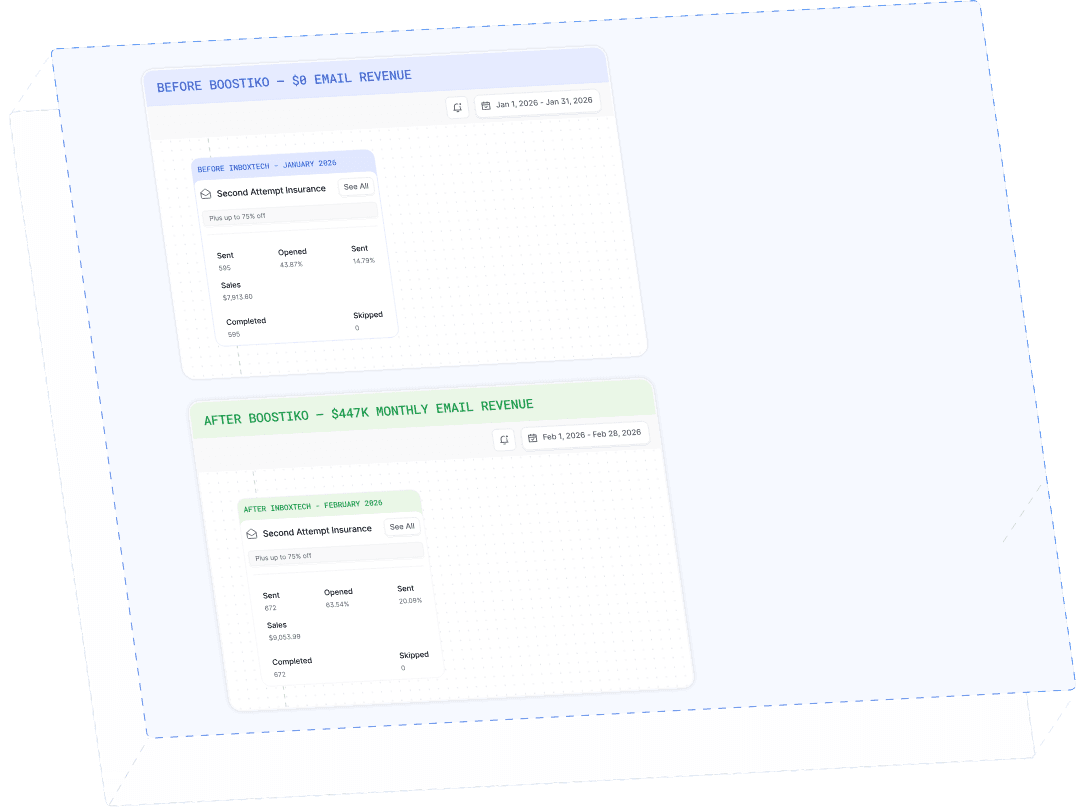
$0 - $447K in 3 months
40.7% of total revenue
14 days time to first revenue
$0 to $447,115/month in Added Revenue in 90 Days